 NTFSTool
New
NTFS2exFAT: switch an NTFS drive to exFAT, safely
Backs up every file, verifies each one, formats the drive, then copies everything back. Nothing is erased until the backup is fully verified. Free beta for Mac.
NTFSTool holds official Apple Kernel Extension signing credentials from its legacy architecture, demonstrating deep macOS low-level engineering expertise. The modern NTFSTool is completely driverless and runs safely in user space with one-click installation.
Current official package · macOS 10.15 or later · Intel & Apple Silicon
brew install --cask ntfstool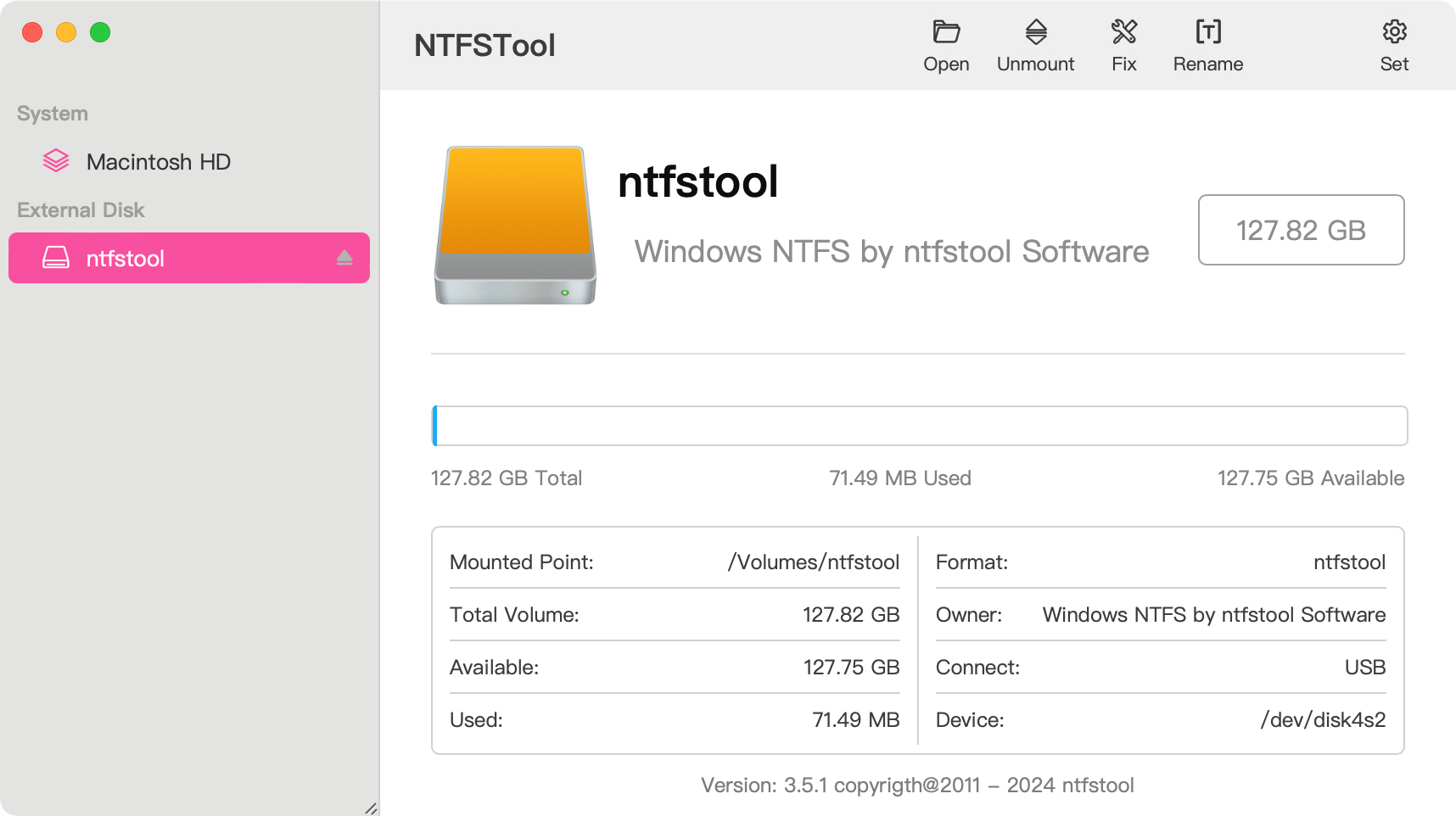
Backs up every file, verifies each one, formats the drive, then copies everything back. Nothing is erased until the backup is fully verified. Free beta for Mac.
Free and open source, under 3 MB, notarized by Apple. No Dock or menu bar icon: it waits in the background for ⌥A and gives you WeChat's screenshot toolbar.
Full read and write for Windows NTFS disks — without reformatting, without recovery mode.
Copy, edit, and delete files on NTFS USB drives and external disks that macOS otherwise mounts read-only.
The current release needs no kernel extension, no SIP change, and no reboot.
Open NTFSTool, attach a Windows disk, and work. Intel and Apple Silicon. macOS 10.15 or later.
No Terminal. No recovery OS. No csrutil.
Get the official notarized package from this site.
Open the pkg and finish in minutes.
Plug in the drive and use it with full access.
For about four years NTFSTool shipped Apple-signed kext releases. That era is real product history. The current app moved to user space because the kext path was too heavy for everyday users — the signing credentials were not abandoned. Legacy install steps remain on the Help page for historical versions.
No. macOS can read Microsoft NTFS volumes but cannot write to them without additional software. NTFSTool provides full read and write access.
No. The modern NTFSTool is completely driverless and runs in user space with one-click installation. Kernel extension steps apply only to legacy versions, documented on the Help page under Legacy kext versions.
NTFSTool is a one-time lifetime license (no subscription, 14-day money-back guarantee), and you can try it free with 3 mounts. Your final price is shown at checkout based on your region; taxes may apply.
NTFSTool Inc. publishes the official app. Apple issued kernel-extension signing credentials for the legacy architecture. Current builds are Developer ID signed and Apple notarized. Download only from ntfstool.com.
Intel and Apple Silicon. Requires macOS 10.15 or later.
Yes. It was listed on the Mac App Store and is planned to return. It is not currently on the store; use the official download on this site.
NTFSTool is a lifetime-license alternative: one-time payment (final price shown at checkout), driverless user-space installer, 100% offline. Paragon and Tuxera are typically sold as paid annual licenses and often need updates for each major macOS release. Comparison: https://ntfstool.com/vs-paragon-tuxera.html