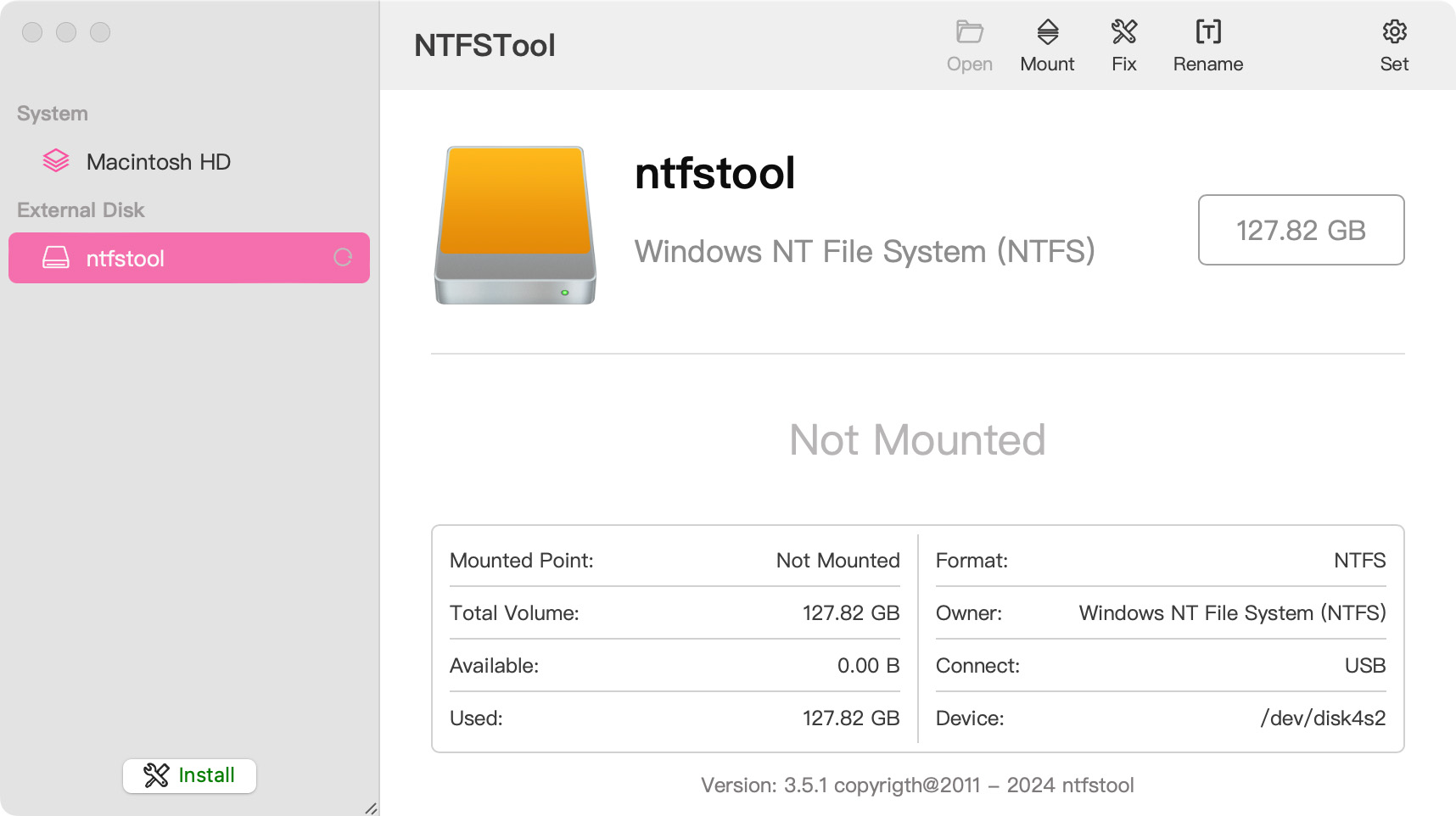
 NTFSTool
Install NTFSTool on Mac
Current version (recommended)
Download from this website, open the pkg, and finish setup. Then connect an NTFS disk. You do not need Recovery Mode or csrutil for the current release.
Safe Drive Operations: NTFSTool employs strict write-verification protocols. Due to the low-level nature of cross-platform file systems, please always safely unmount drives before disconnecting and maintain regular backups of important data. The software is provided "as is", and NTFSTool Inc. is not liable for data loss or hardware interruptions resulting from improper disconnection or drive state issues.
Operational Telemetry: To maintain license verification and troubleshoot filesystem stability, the software collects necessary non-personal technical data, including anonymous hardware identifiers, macOS build version, and error crash logs.
Can Mac write to NTFS drives by default?
No. macOS can read Microsoft NTFS volumes but cannot write to them without additional software. NTFSTool provides full read and write access.
Does the current NTFSTool require a kernel extension or disabling SIP?
No. The modern NTFSTool is completely driverless and runs in user space with one-click installation. Kernel extension steps apply only to legacy versions, documented on the Help page under Legacy kext versions.
Is NTFSTool free?
NTFSTool is a one-time lifetime license (no subscription, 14-day money-back guarantee), and you can try it free with 3 mounts. Your final price is shown at checkout based on your region; taxes may apply.
Who publishes NTFSTool?
NTFSTool Inc. publishes the official app. Apple issued kernel-extension signing credentials for the legacy architecture. Current builds are Developer ID signed and Apple notarized. Download only from ntfstool.com.
Which Macs and macOS versions are supported?
Intel and Apple Silicon. Requires macOS 10.15 or later.
Was NTFSTool on the Mac App Store?
Yes. It was listed on the Mac App Store and is planned to return. It is not currently on the store; use the official download on this site.
What is the best alternative to Paragon NTFS or Tuxera for Mac?
NTFSTool is a lifetime-license alternative: one-time payment (final price shown at checkout), driverless user-space installer, 100% offline. Paragon and Tuxera are typically sold as paid annual licenses and often need updates for each major macOS release. Comparison: https://ntfstool.com/vs-paragon-tuxera.html
Legacy kext versions (historical)
The following steps apply only to historical kernel-extension builds. They remain here as engineering heritage and for users still on those versions. Do not follow them for the current installer.
Reason for Installing the NTFSTool Kernel Extension
Due to Microsoft's licensing restrictions, macOS has removed write support for the NTFS disk format. Historical NTFSTool releases therefore installed an Apple-signed kernel extension. This is engineering heritage. The current release does not use these steps.
Requirements and Steps for Installing Drivers in macOS Kernel (legacy only)
For Intel Chip Systems
Requirements: Disable System Integrity Protection (SIP)
- Enter system recovery mode, disable System Integrity Protection (SIP). Completely shut down your Mac, then start it up, and immediately press and hold Command+R during startup until the Apple logo appears for 3 seconds, then release the button and wait to enter Recovery mode
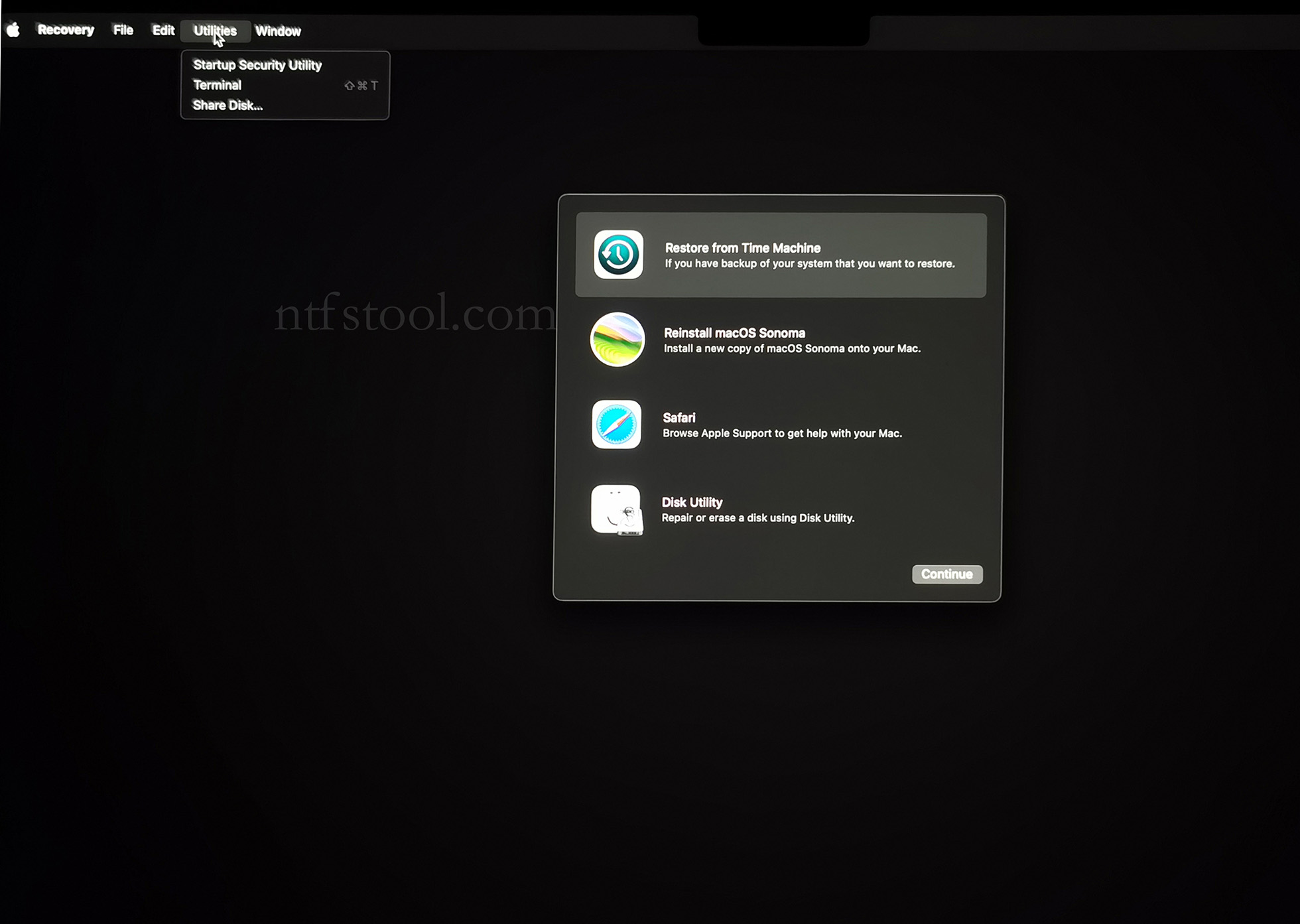
- Click 'Utilities' in the top toolbar, select 'Terminal'
- Type 'csrutil disable' in the terminal, then press Enter
- Close the terminal and restart your Mac
- Related Screenshots
For Apple Silicon systems
Requirements: Disable SIP; enable Allow user management of kernel extensions from identified developers.
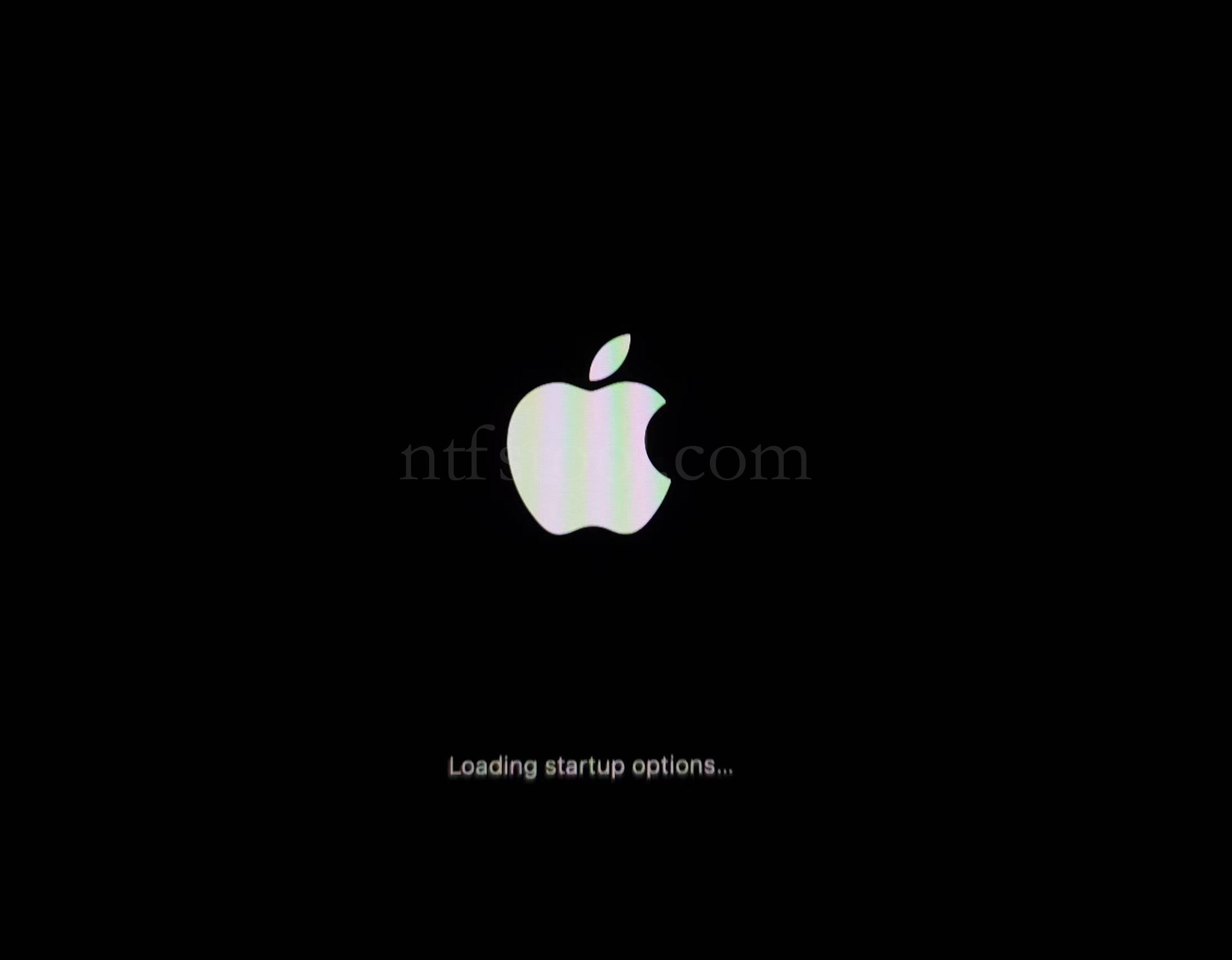
- Restart and hold the power button until Loading startup options appears, then enter recovery
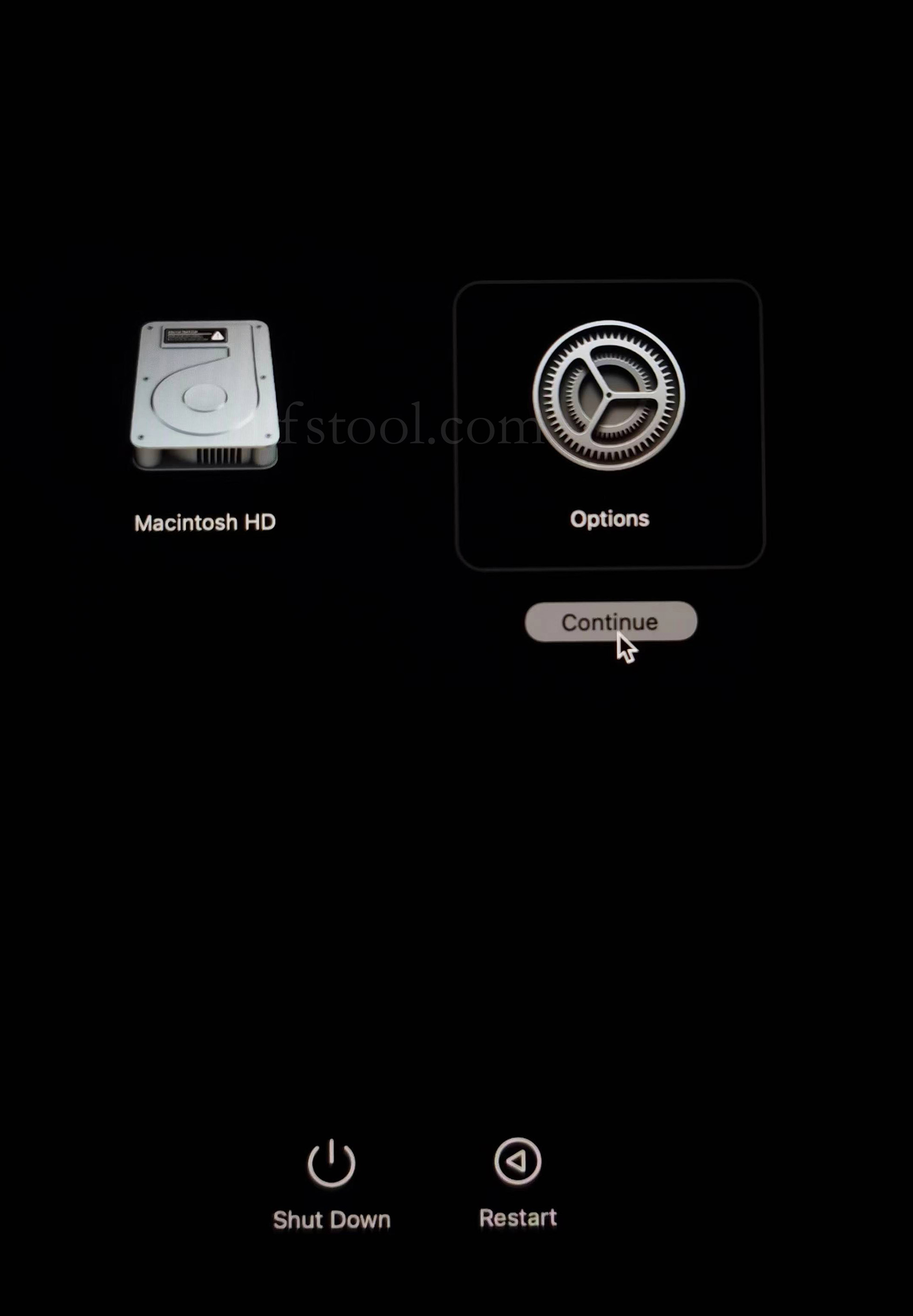
- Select Options, Continue
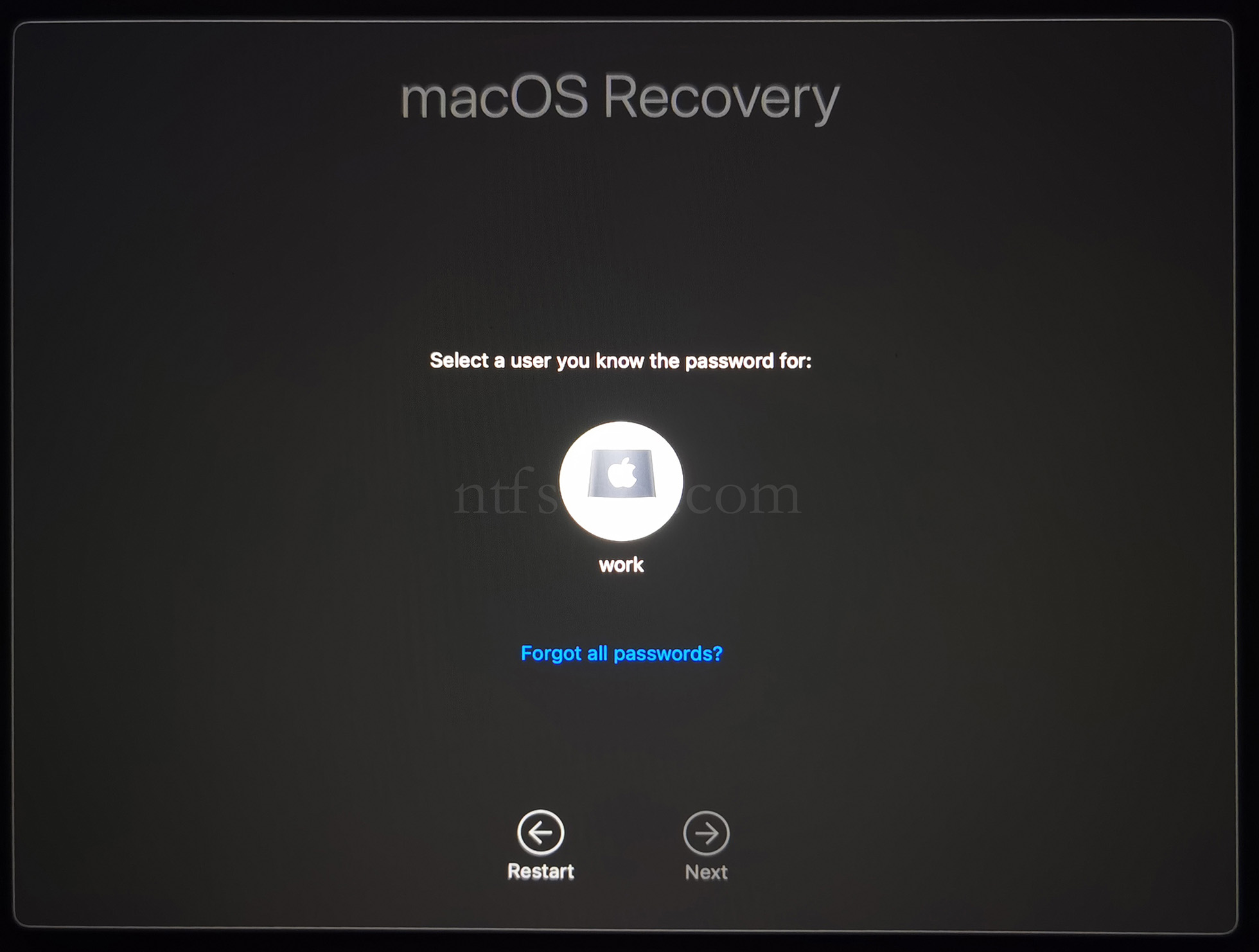
- Select the admin user and enter the password
- Utilities → Terminal
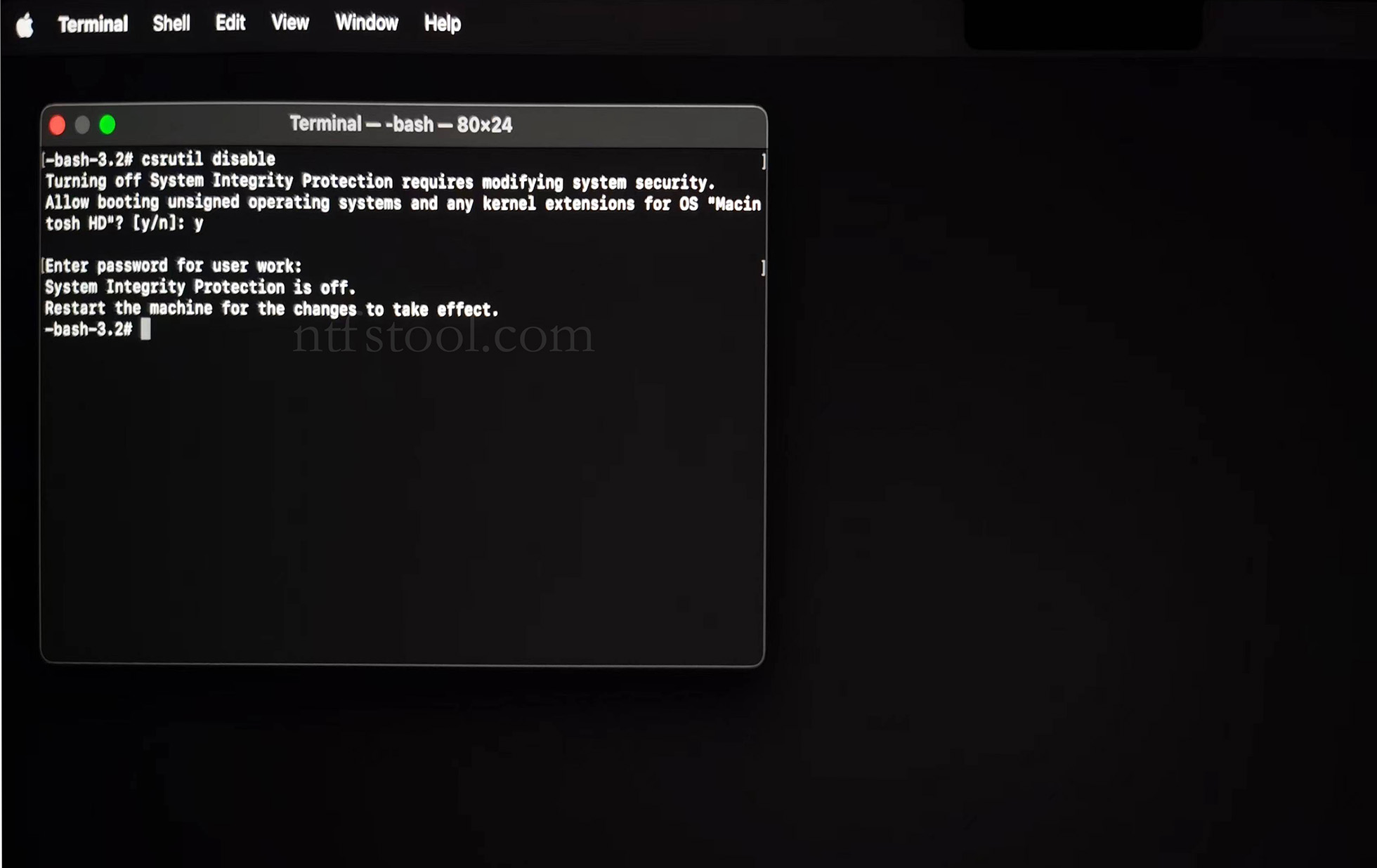
- Type csrutil disable, press Enter
- Close Terminal
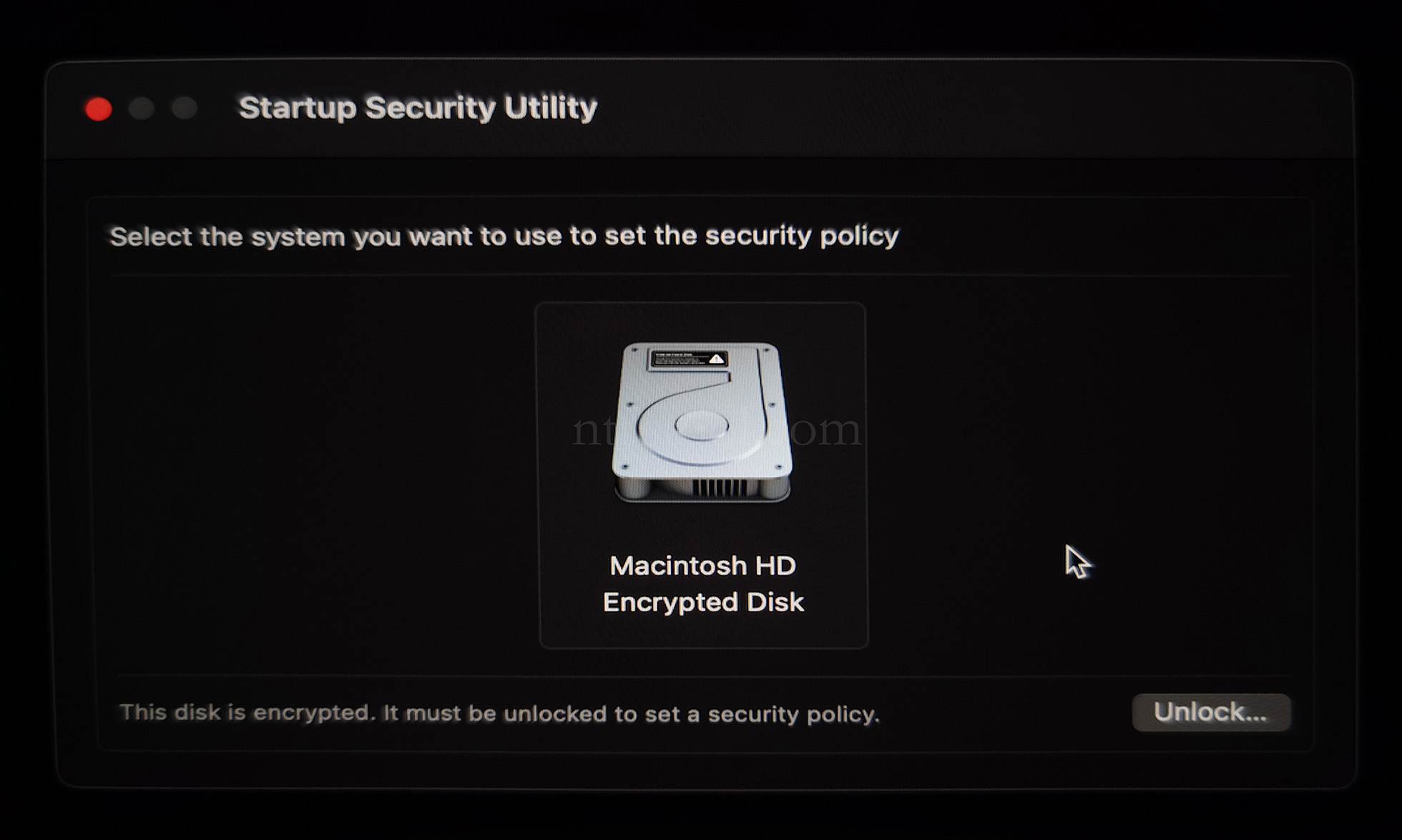
- Utilities → Startup Security Utility
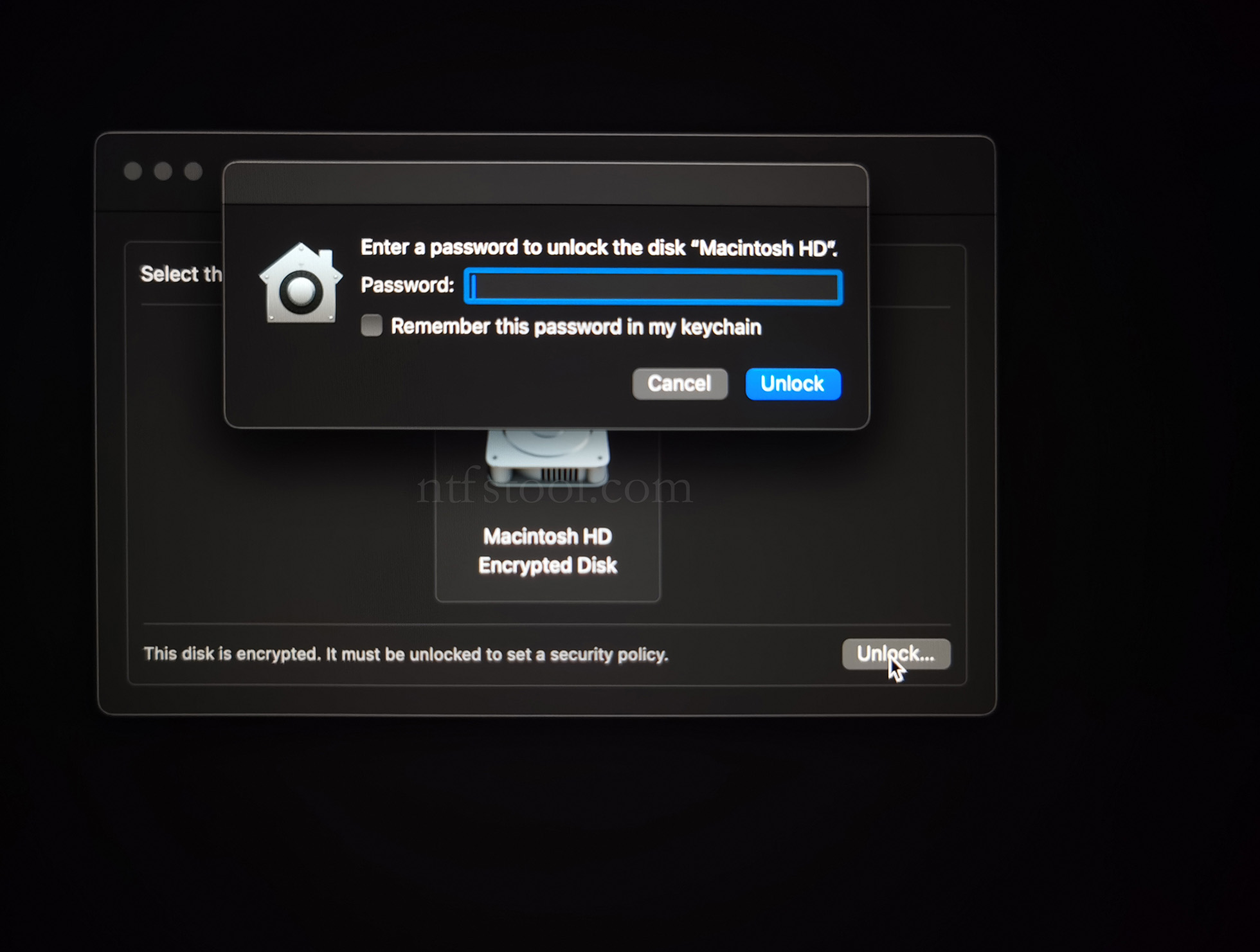
- Select the system disk, then Security Policy
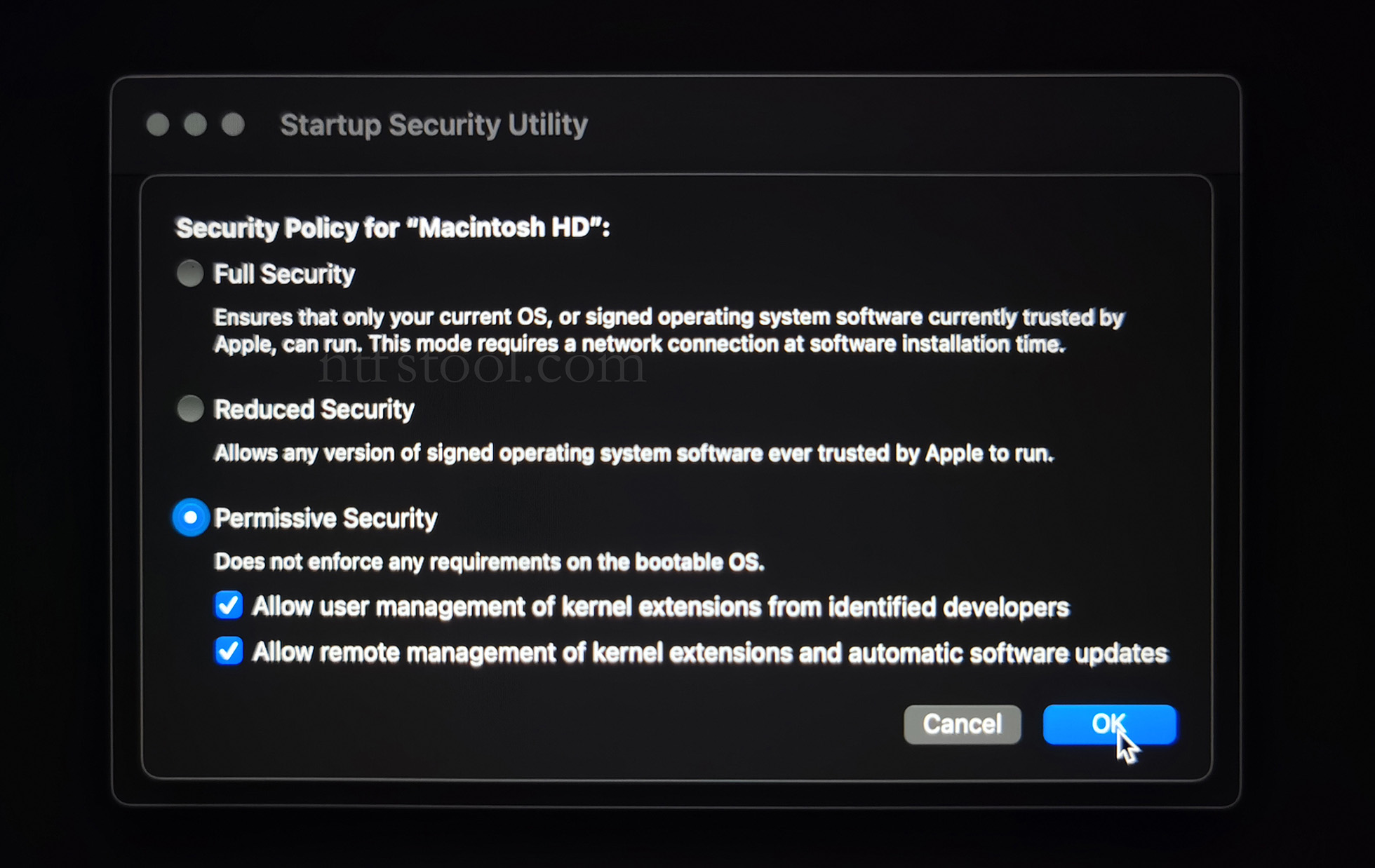
- Check Reduced Security and Allow user management of kernel extensions from identified developers
- Restart from the Apple menu
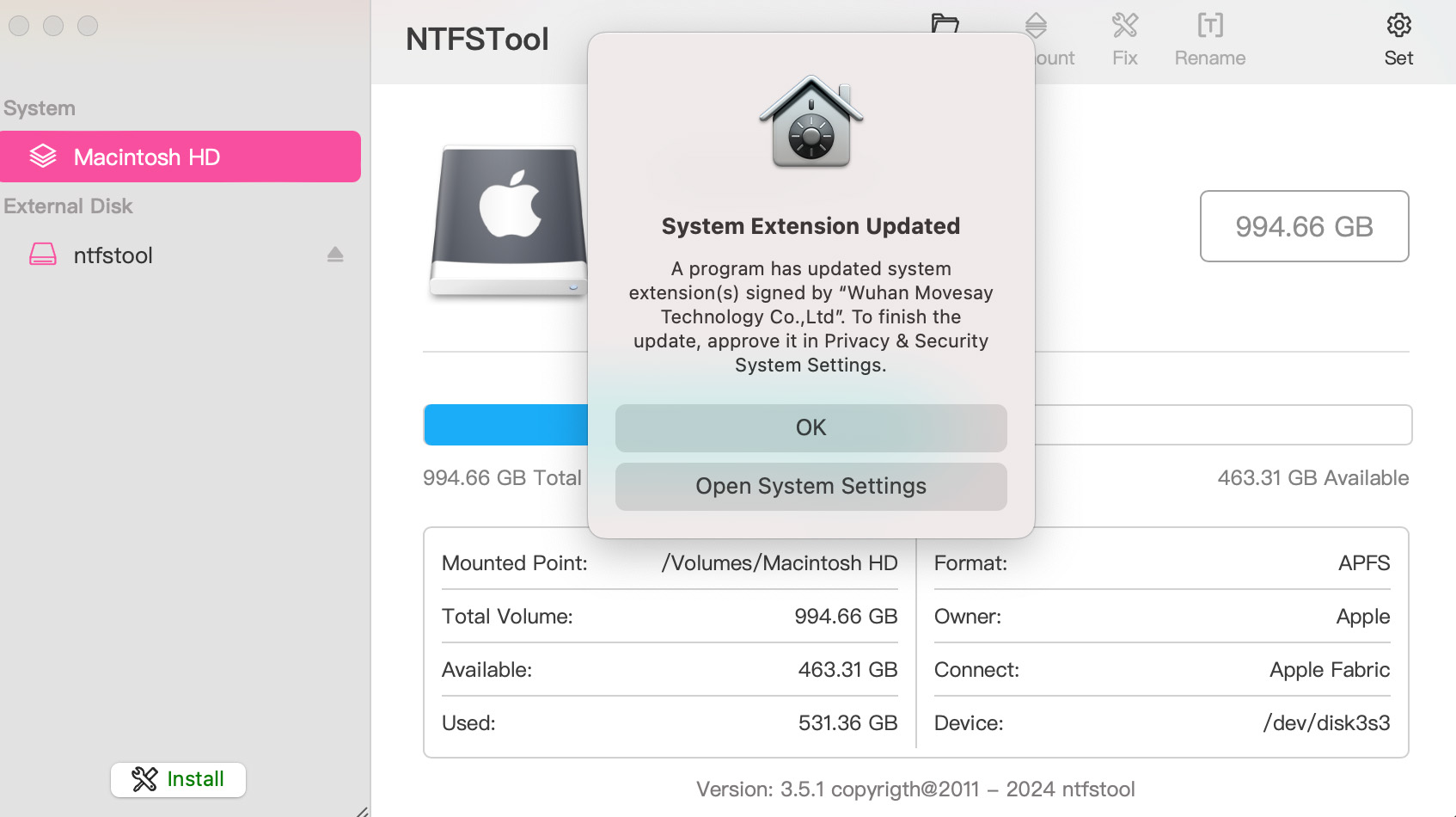
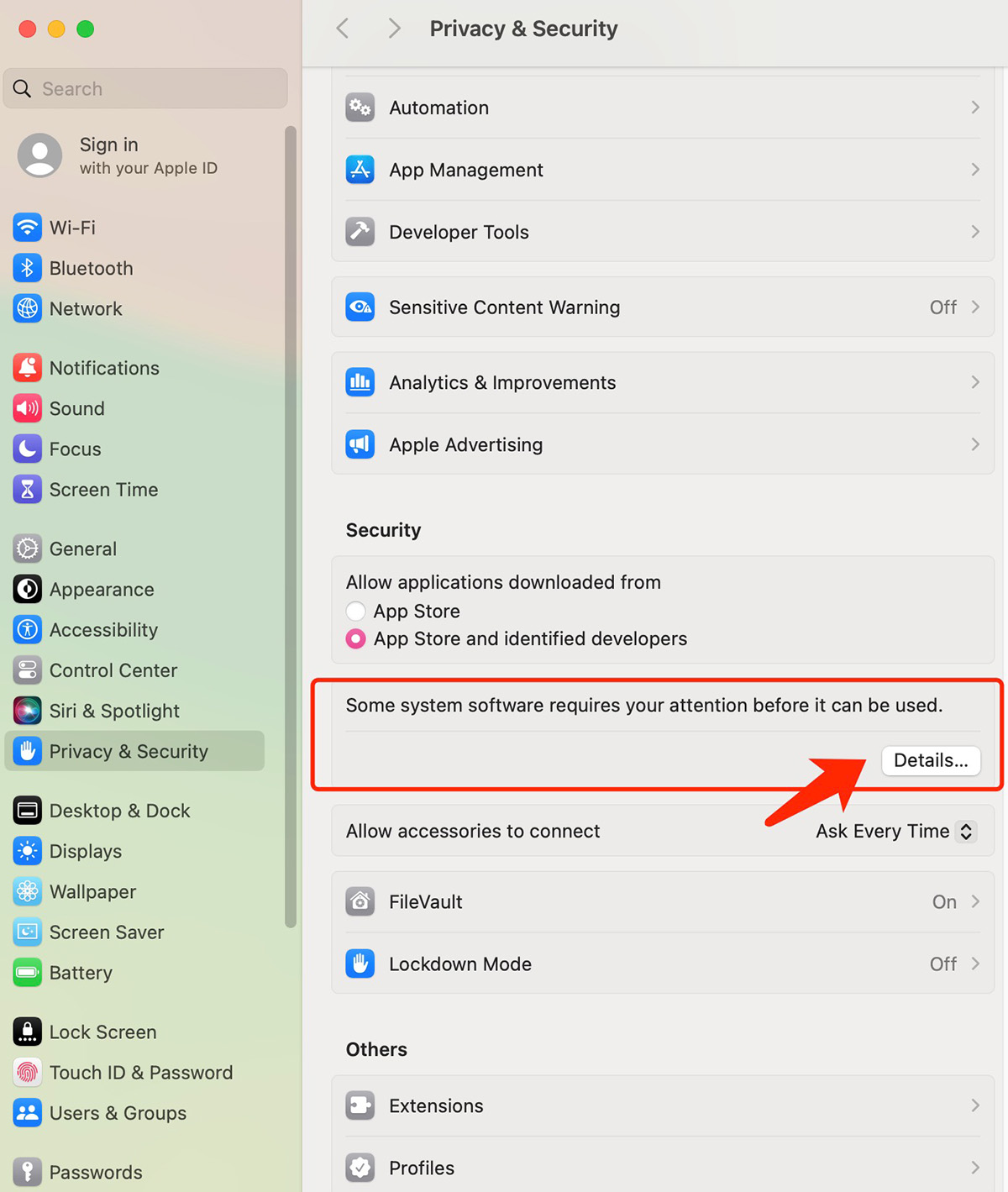
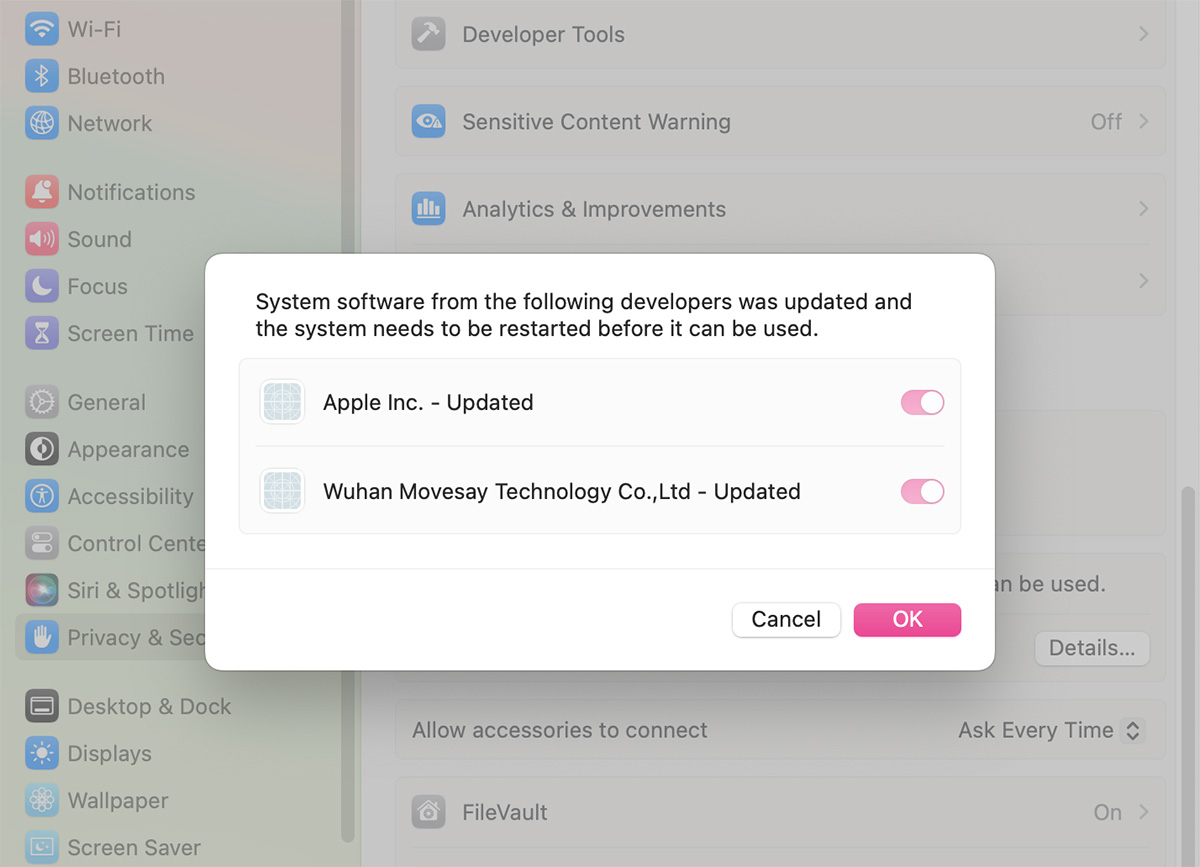
- Open System Settings → Privacy & Security, then allow the extension if prompted
- Related Screenshots