 NTFSTool
Installare NTFSTool su Mac
Versione attuale (consigliata)
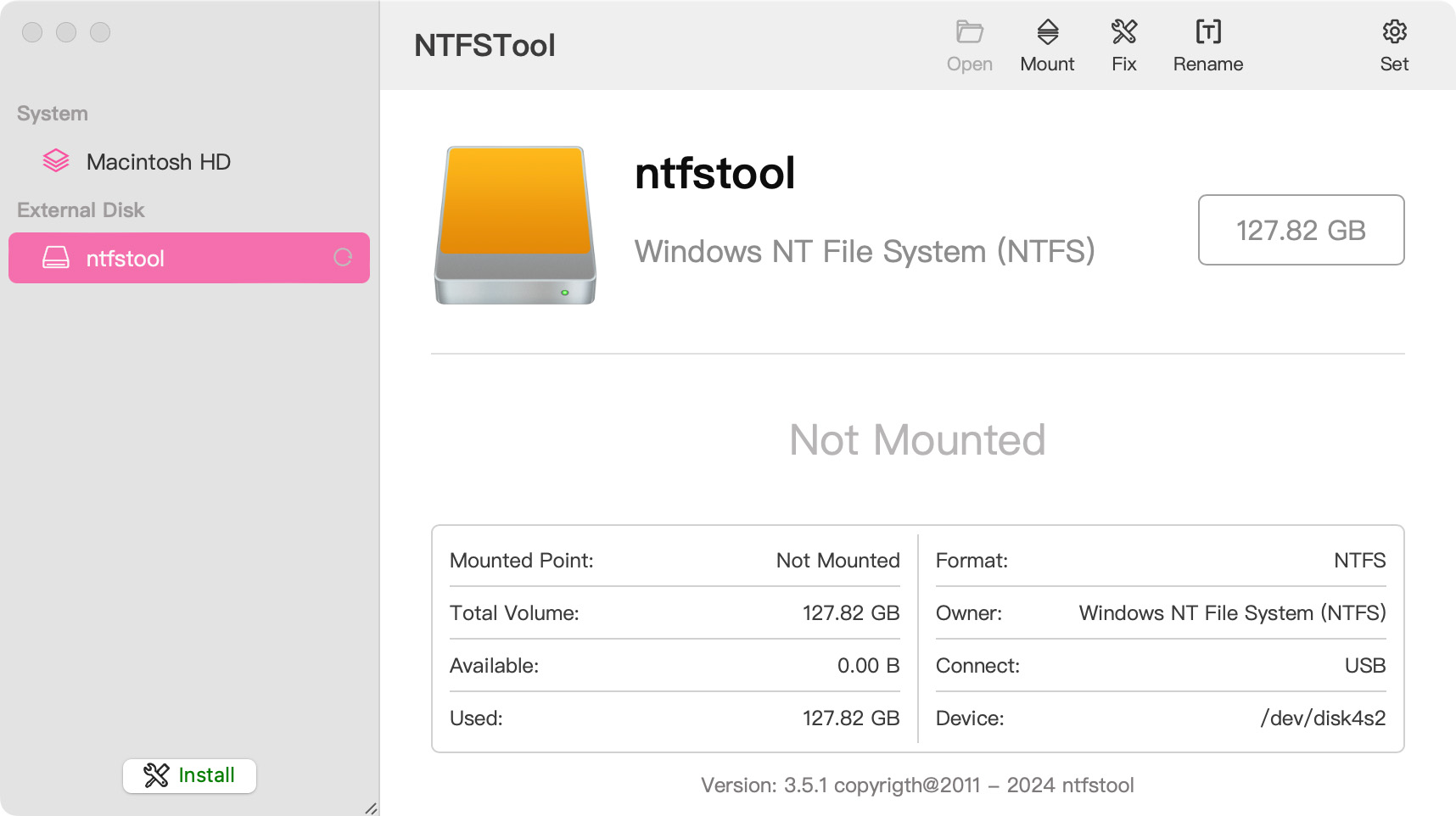
Scarica da questo sito, apri il pkg e completa la configurazione. Poi collega un disco NTFS. La release attuale non richiede recovery mode né csrutil.
Operazioni disco sicure: NTFSTool impiega protocolli rigorosi di verifica scrittura. Per la natura low-level dei file system multipiattaforma, espelli sempre i dischi in sicurezza prima di scollegare e mantieni backup regolari dei dati importanti. Il software è fornito "così com'è" e NTFSTool Inc. non è responsabile per perdita dati o interruzioni hardware da scollegamento improprio o stato del disco.
Operational Telemetry: To maintain license verification and troubleshoot filesystem stability, the software collects necessary non-personal technical data, including anonymous hardware identifiers, macOS build version, and error crash logs.
Mac può scrivere su dischi NTFS per default?
No. macOS può leggere volumi NTFS Microsoft ma non scrivere senza software aggiuntivo. NTFSTool fornisce accesso completo in lettura e scrittura.
NTFSTool attuale richiede estensione kernel o disabilitare SIP?
No. Il NTFSTool moderno è completamente senza driver e funziona in user space con installazione a un clic. I passi estensione kernel si applicano solo alle versioni legacy, documentati in Aiuto.
NTFSTool è gratis?
NTFSTool è una licenza a vita con pagamento unico (nessun abbonamento, rimborso di 14 giorni) e puoi provarlo gratis con 3 montaggi. Il prezzo finale è mostrato al pagamento in base alla regione; possono essere applicate imposte.
Chi pubblica NTFSTool?
NTFSTool Inc. pubblica l'app ufficiale. Apple ha rilasciato credenziali firma estensione kernel per l'architettura legacy. I build attuali sono firmati Developer ID e notarizzati da Apple. Scarica solo da ntfstool.com.
Quali Mac e versioni macOS sono supportati?
Intel e Apple Silicon. Richiede macOS 10.15 o successivo.
NTFSTool era su Mac App Store?
Sì. Era su Mac App Store e un ritorno è pianificato. Attualmente non è nello store; usa il download ufficiale su questo sito.
Qual è la migliore alternativa a Paragon NTFS o Tuxera per Mac?
NTFSTool è un'alternativa con licenza a vita: pagamento unico (prezzo finale al pagamento), installer senza driver in spazio utente, 100% offline. Paragon e Tuxera sono in genere venduti come licenze annuali a pagamento e spesso richiedono aggiornamenti a ogni versione principale di macOS. Confronto: https://ntfstool.com/vs-paragon-tuxera.html
Versioni kext legacy (storico)
I passi seguenti si applicano solo ai build storici con estensione kernel. Conservati come eredità ingegneristica e per utenti di quelle versioni. Non seguirli per l'installer attuale.
Reason for Installing the NTFSTool Kernel Extension
Due to Microsoft's licensing restrictions, macOS has removed write support for the NTFS disk format. Historical NTFSTool releases therefore installed an Apple-signed kernel extension. This is engineering heritage. The current release does not use these steps.
Requirements and Steps for Installing Drivers in macOS Kernel (legacy only)
For Intel Chip Systems
Requirements: Disable System Integrity Protection (SIP)
- Enter system recovery mode, disable System Integrity Protection (SIP). Completely shut down your Mac, then start it up, and immediately press and hold Command+R during startup until the Apple logo appears for 3 seconds, then release the button and wait to enter Recovery mode
- Click 'Utilities' in the top toolbar, select 'Terminal'
- Type 'csrutil disable' in the terminal, then press Enter
- Close the terminal and restart your Mac
- Related Screenshots
For Apple Silicon systems
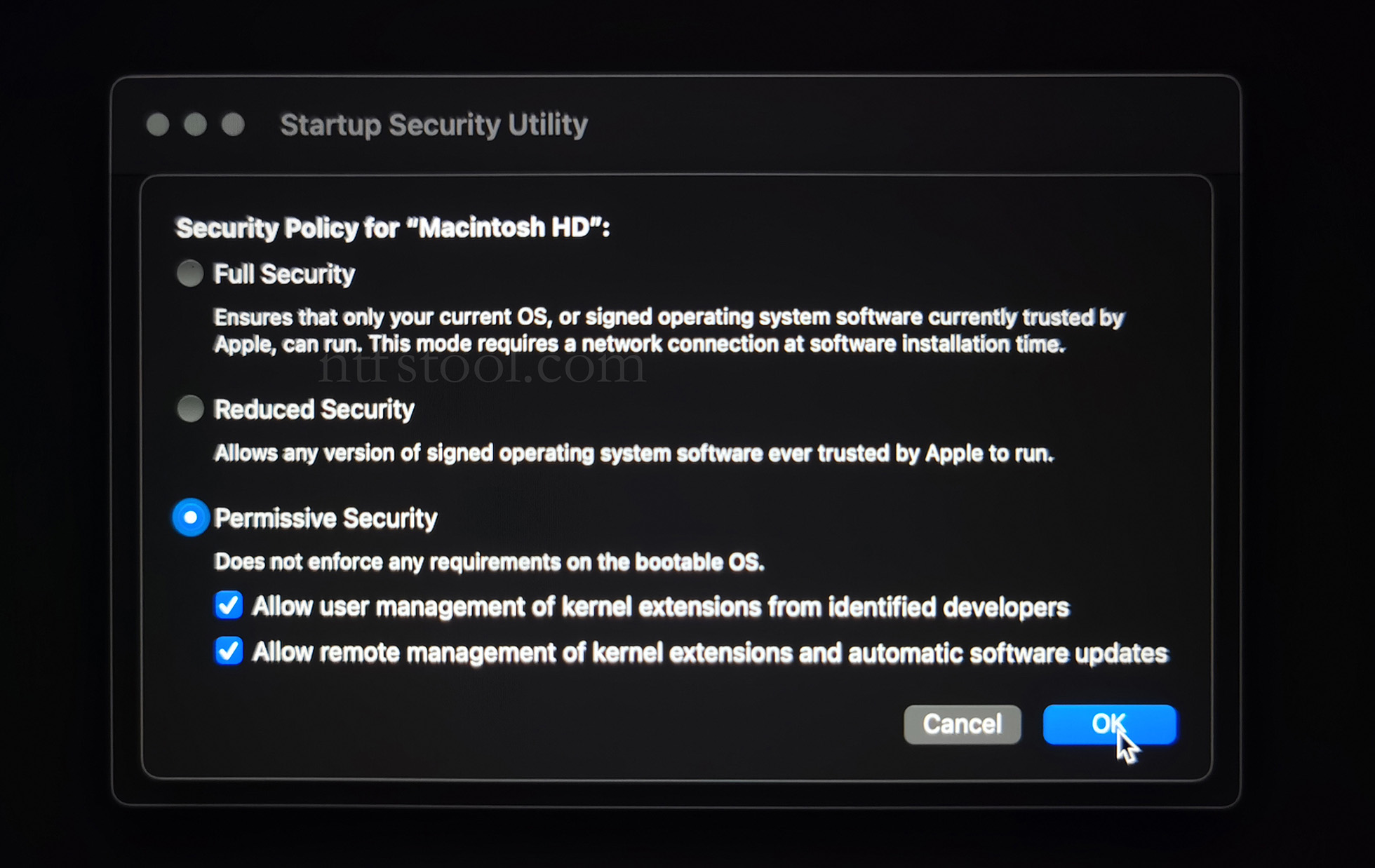
Requirements: Disable SIP; enable Allow user management of kernel extensions from identified developers.
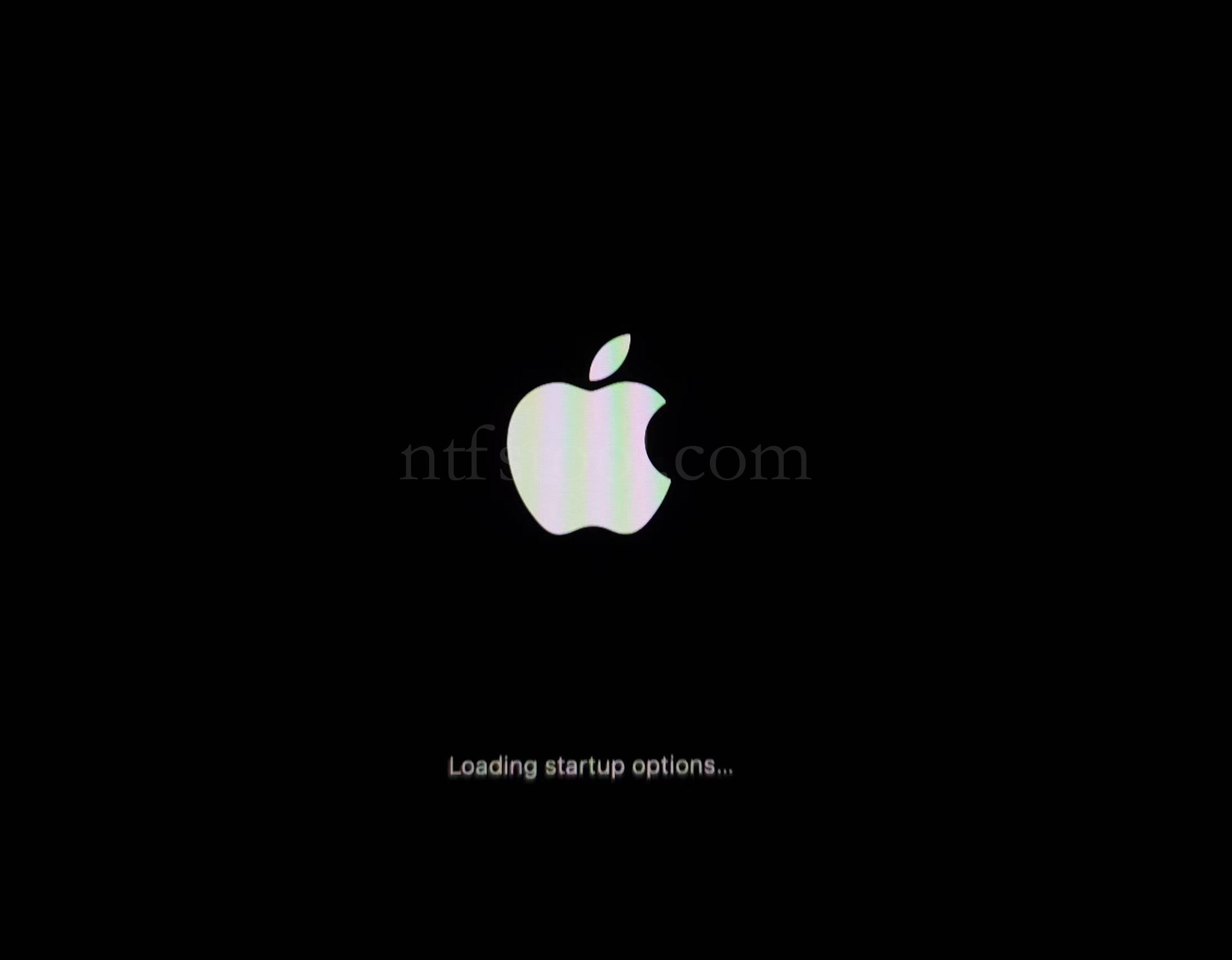
- Restart and hold the power button until Loading startup options appears, then enter recovery
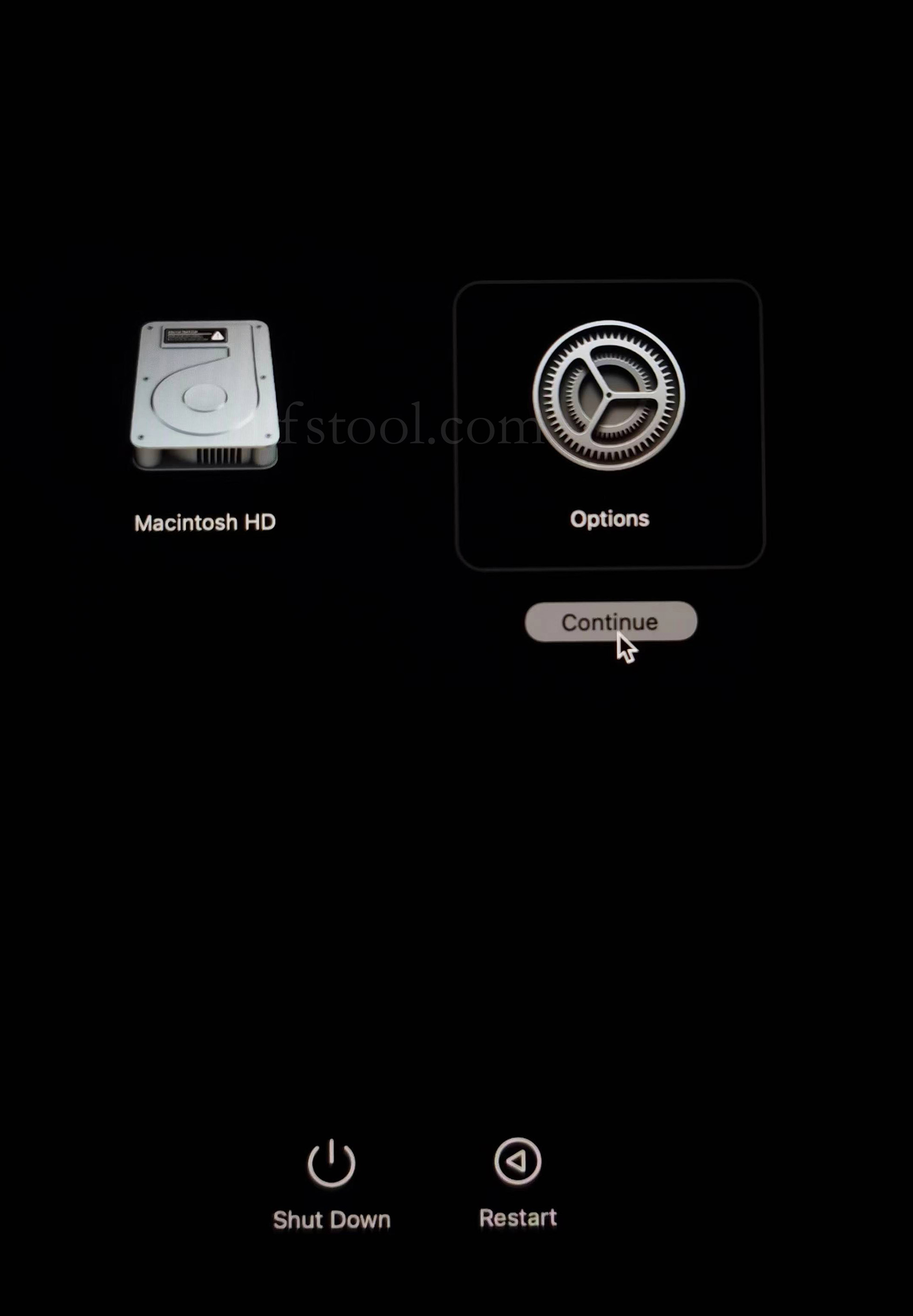
- Select Options, Continue
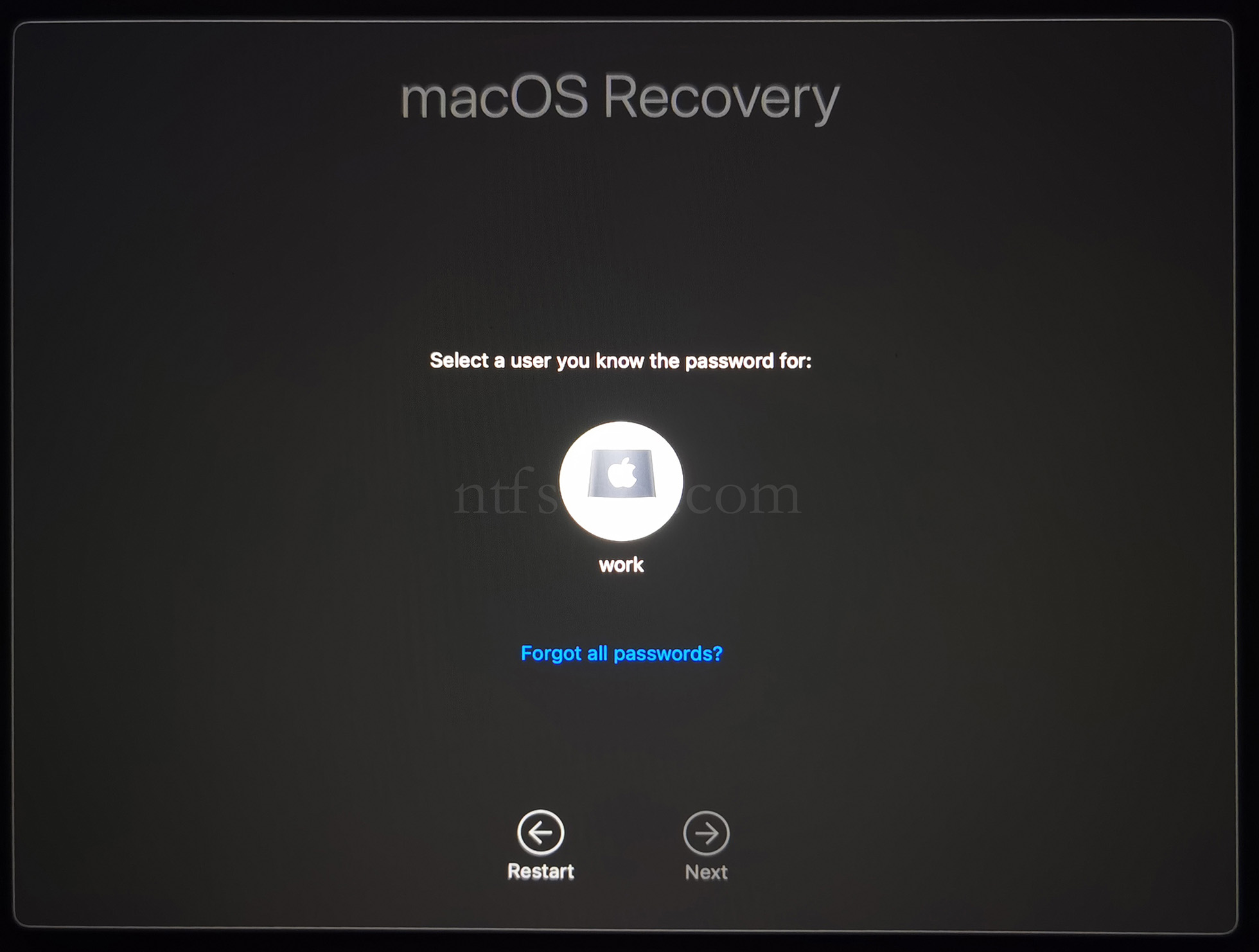
- Select the admin user and enter the password
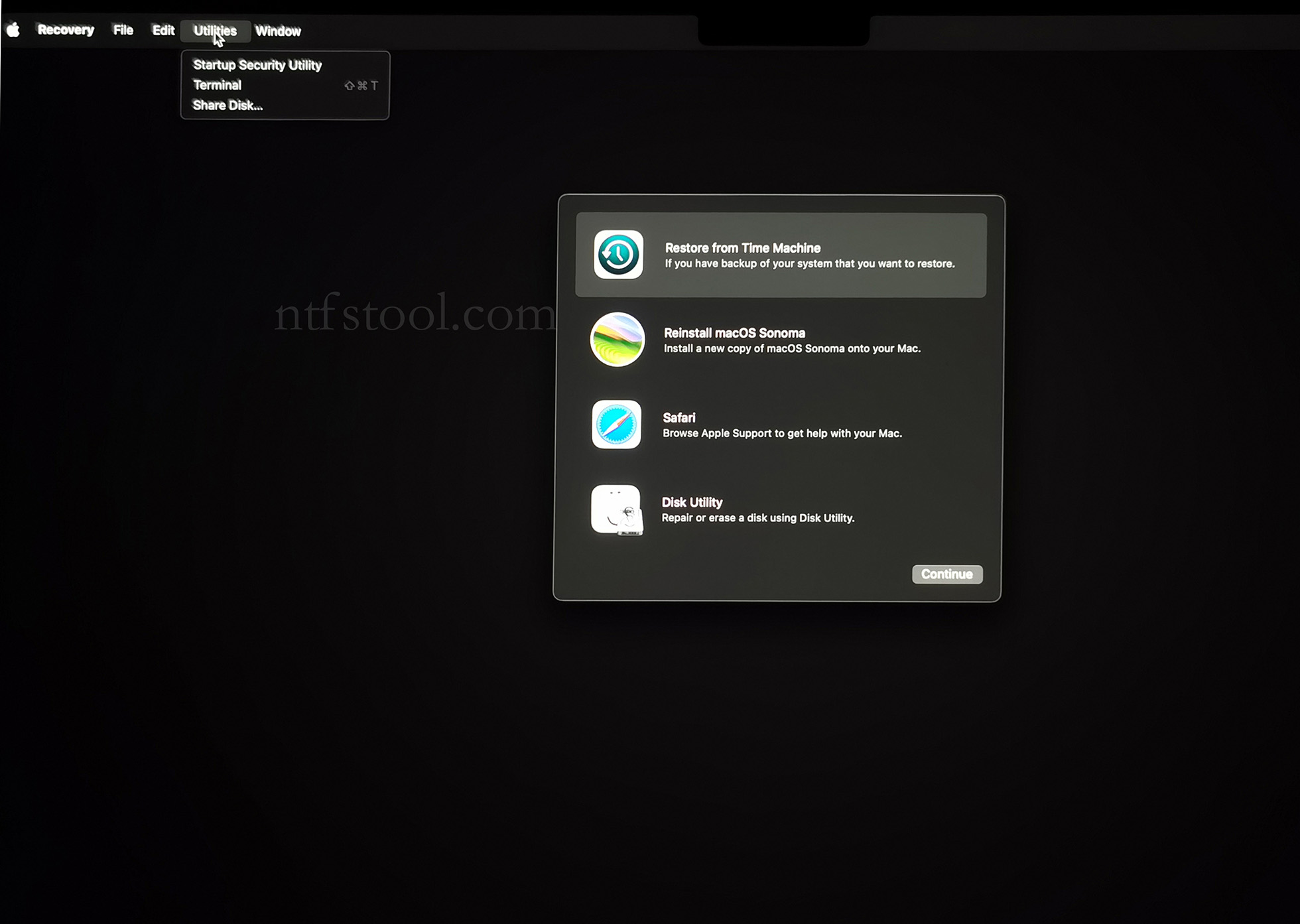
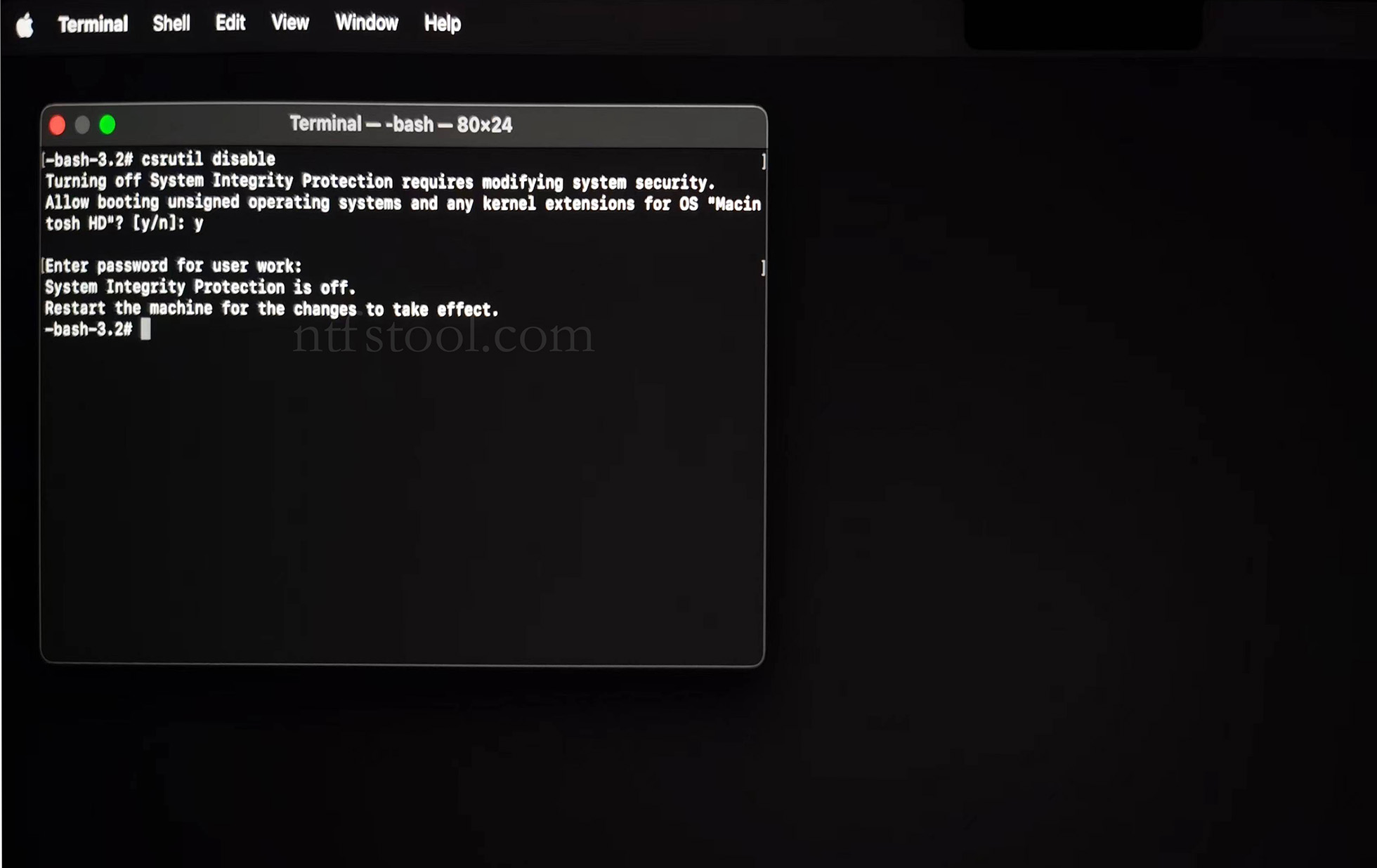
- Utilities → Terminal
- Type csrutil disable, press Enter
- Close Terminal
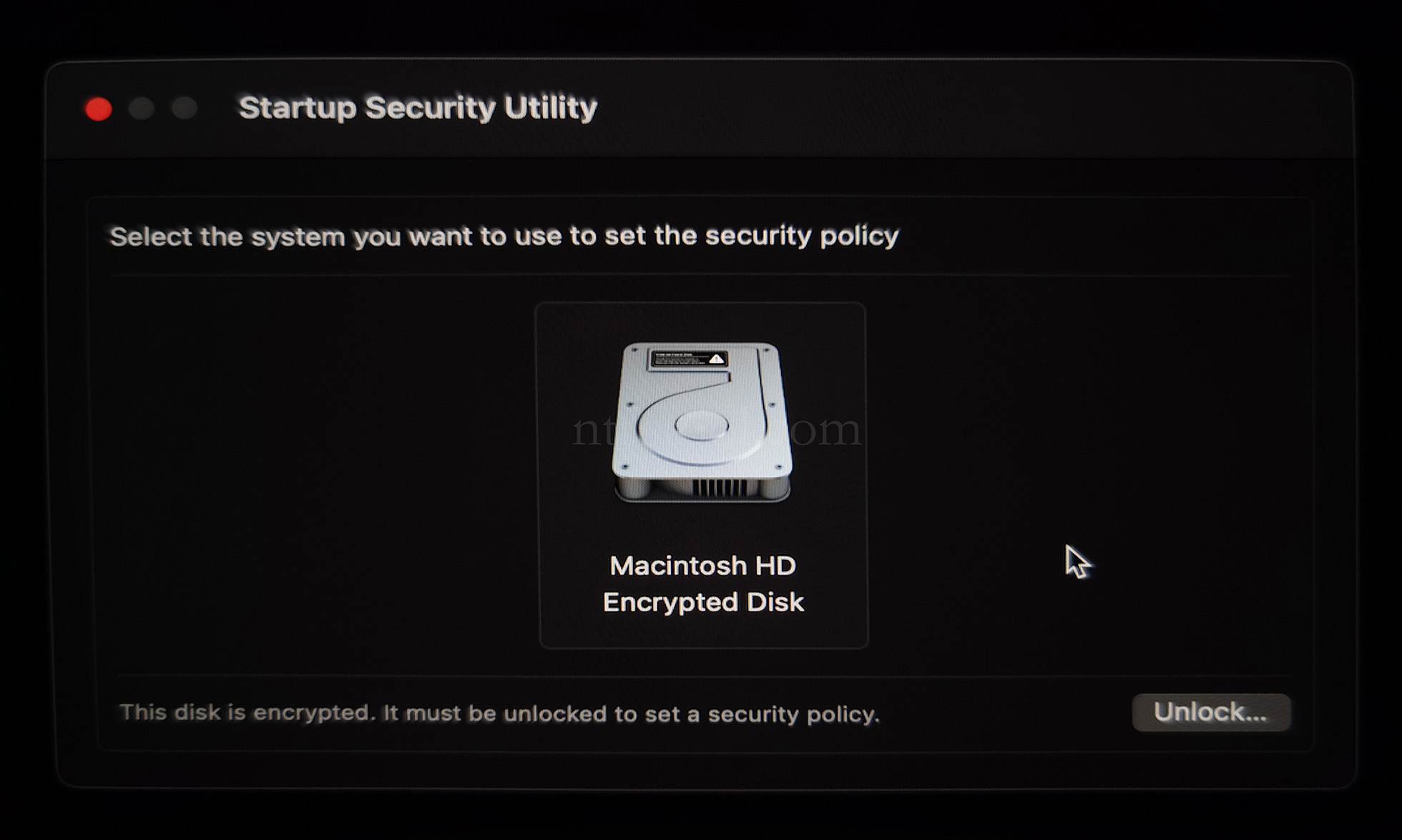
- Utilities → Startup Security Utility
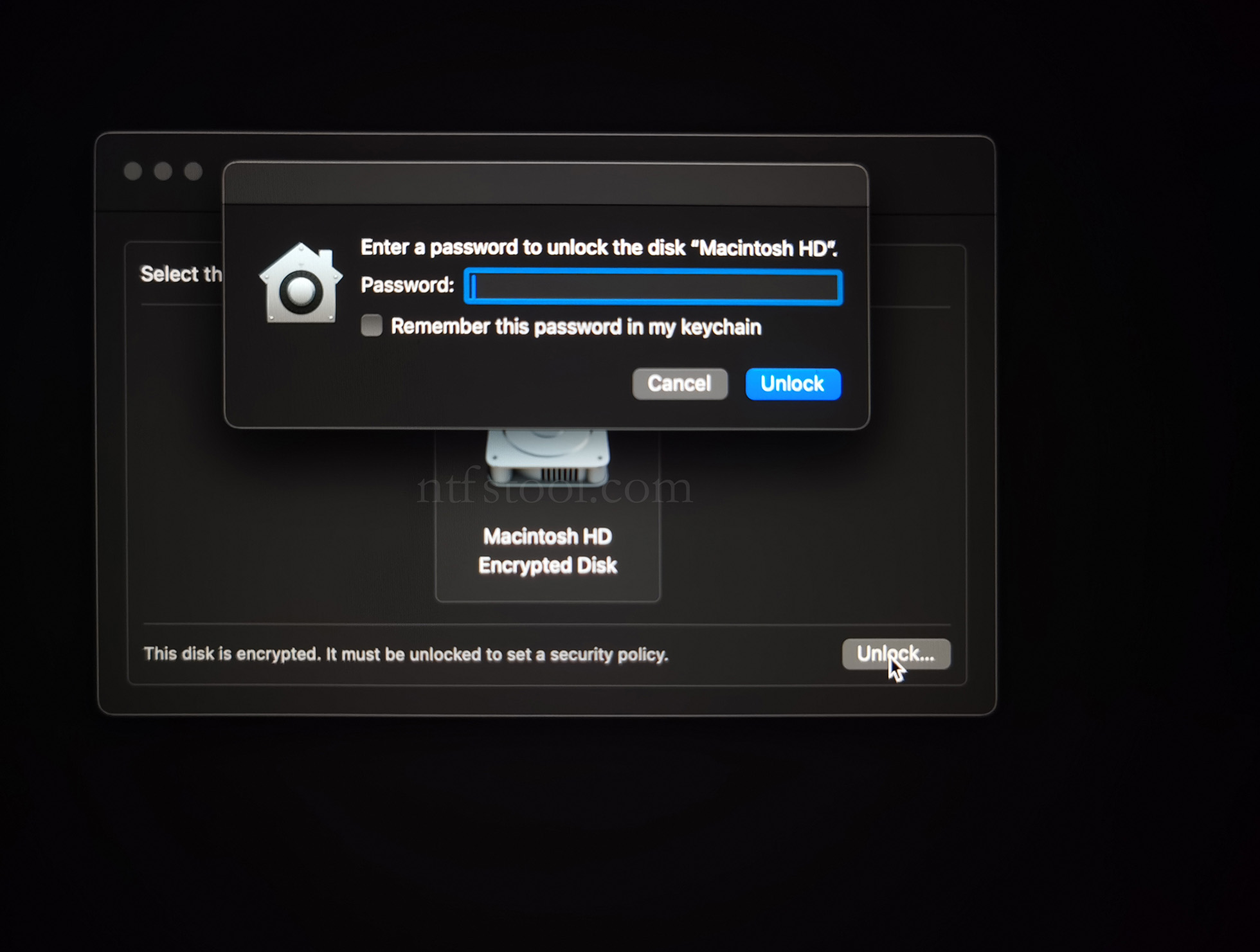
- Select the system disk, then Security Policy
- Check Reduced Security and Allow user management of kernel extensions from identified developers
- Restart from the Apple menu
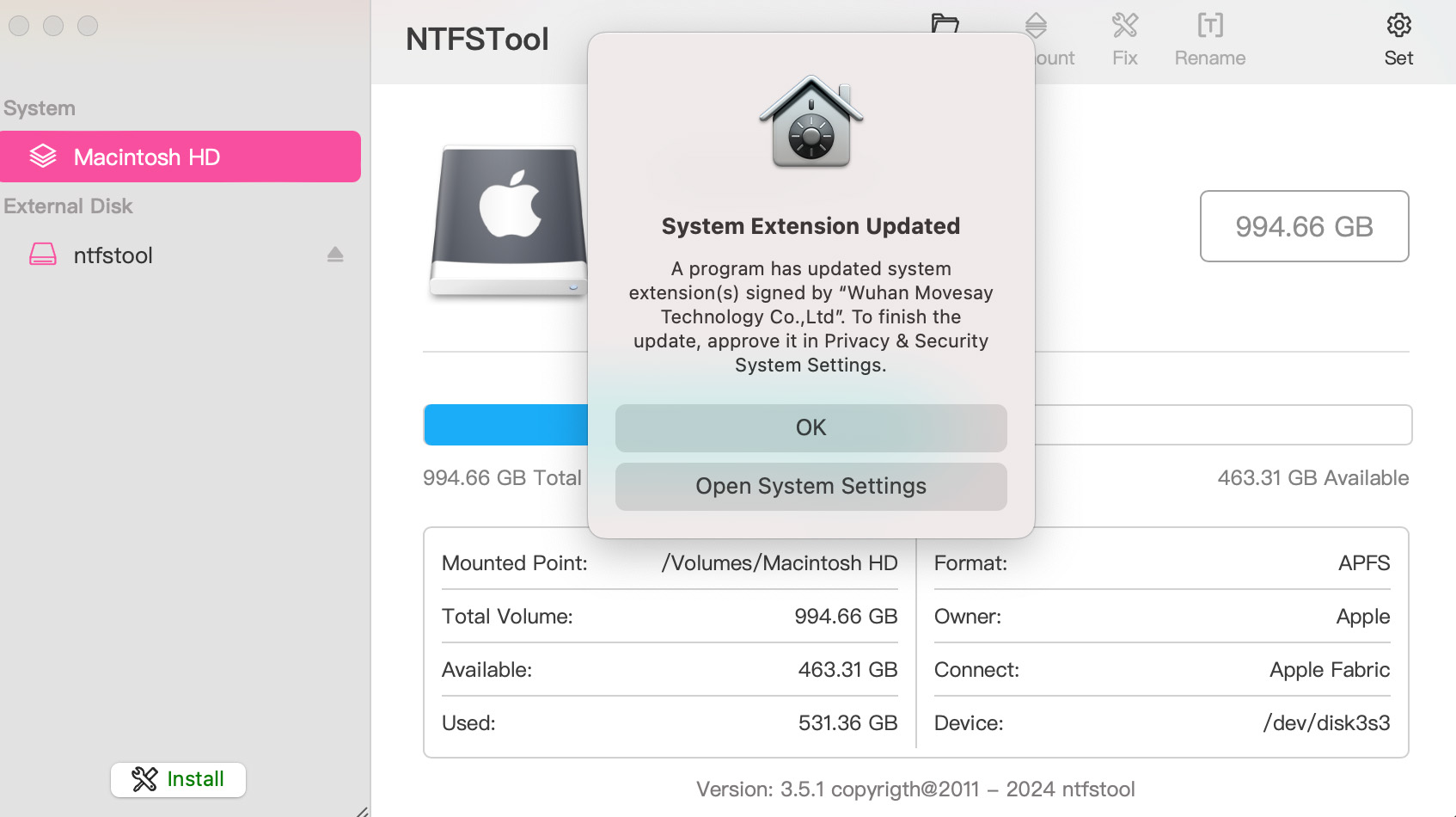
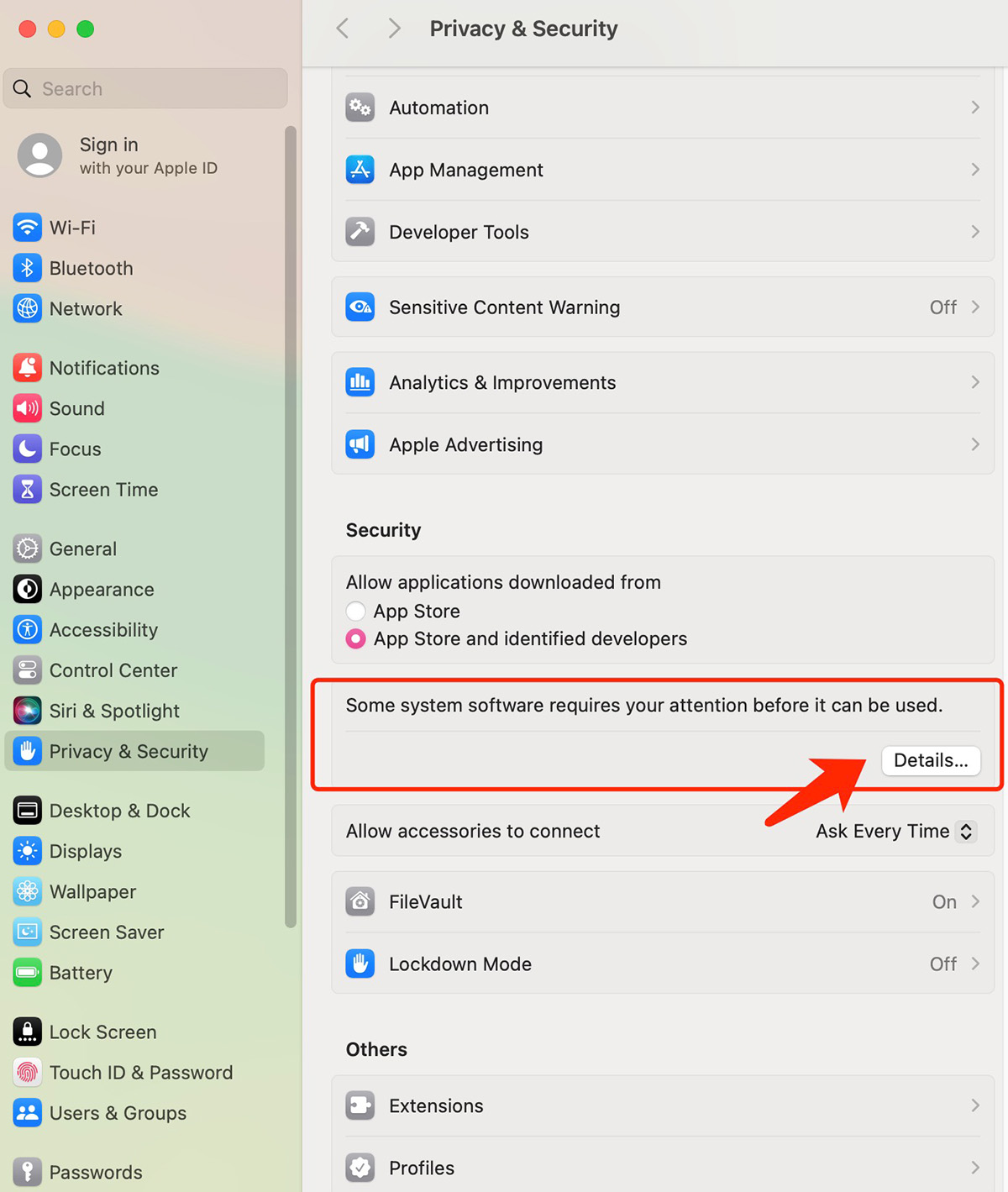
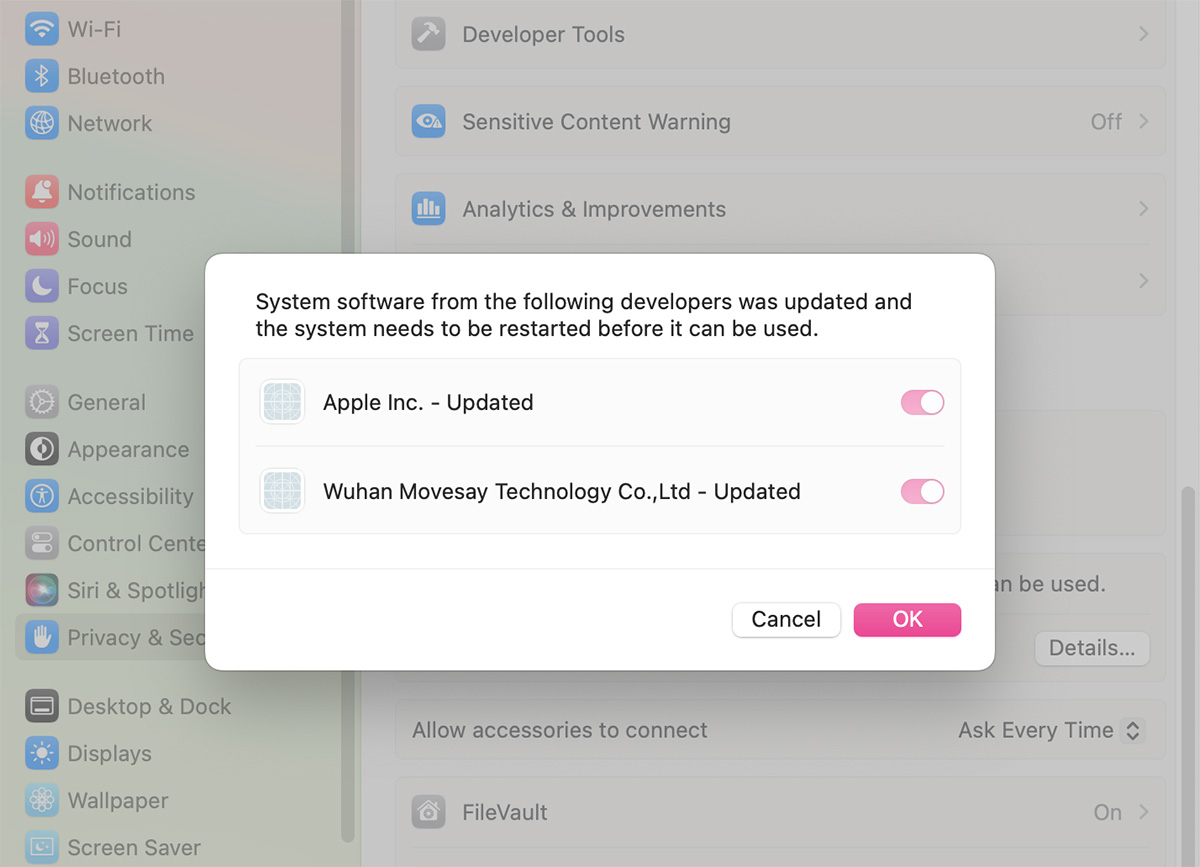
- Open System Settings → Privacy & Security, then allow the extension if prompted
- Related Screenshots