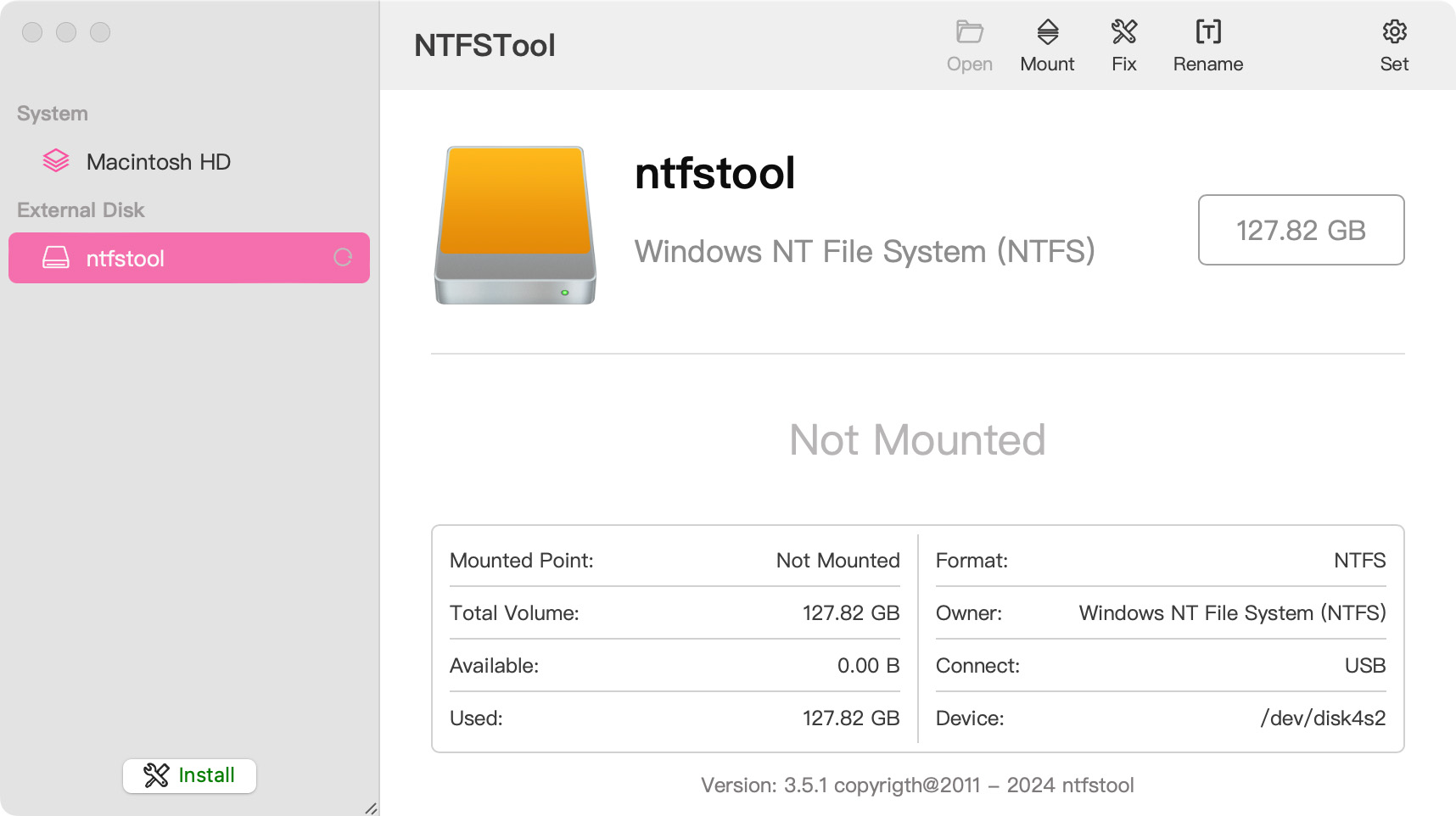
 NTFSTool
ติดตั้ง NTFSTool บน Mac
เวอร์ชันปัจจุบัน (แนะนำ)
ดาวน์โหลดจากเว็บไซต์นี้ เปิด pkg และตั้งค่าให้เสร็จ จากนั้นเชื่อมต่อดิสก์ NTFS เวอร์ชันปัจจุบันไม่ต้องใช้ recovery mode หรือ csrutil
การทำงานกับไดรฟ์อย่างปลอดภัย: NTFSTool ใช้โปรโตคอลตรวจสอบการเขียนอย่างเข้มงวด เนื่องจากลักษณะระดับต่ำของระบบไฟล์ข้ามแพลตฟอร์ม โปรดถอดไดรฟ์อย่างปลอดภัยก่อนตัดการเชื่อมต่อและสำรองข้อมูลสำคัญเป็นประจำ ซอฟต์แวร์จัดให้ "ตามสภาพ" NTFSTool Inc. ไม่รับผิดชอบการสูญเสียข้อมูลหรือการหยุดชะงักของฮาร์ดแวร์จากการตัดการเชื่อมต่อไม่ถูกต้องหรือสถานะไดรฟ์
Operational Telemetry: To maintain license verification and troubleshoot filesystem stability, the software collects necessary non-personal technical data, including anonymous hardware identifiers, macOS build version, and error crash logs.
Mac เขียนไดรฟ์ NTFS ได้โดยค่าเริ่มต้นหรือไม่
ไม่ได้ macOS อ่านโวลุ่ม NTFS ของ Microsoft ได้แต่เขียนไม่ได้โดยไม่มีซอฟต์แวร์เพิ่ม NTFSTool ให้การเข้าถึงอ่านและเขียนเต็มรูปแบบ
NTFSTool ปัจจุบันต้องใช้ kernel extension หรือปิด SIP หรือไม่
ไม่ต้อง NTFSTool สมัยใหม่ไม่ใช้ไดรเวอร์ทั้งหมด ทำงานใน user space ติดตั้งคลิกเดียว ขั้นตอน kernel extension ใช้กับเวอร์ชัน legacy เท่านั้น บันทึกในช่วยเหลือ
NTFSTool ฟรีหรือไม่
NTFSTool เป็นไลเซนส์ถาวรจ่ายครั้งเดียว (ไม่มีการสมัครสมาชิก คืนเงินใน 14 วัน) ทดลองใช้ฟรี 3 ครั้งเมานต์ ราคาสุดท้ายแสดงตอนชำระเงินตามภูมิภาคและอาจมีภาษีเพิ่มเติม
ใครเผยแพร่ NTFSTool
NTFSTool Inc. เผยแพร่แอปอย่างเป็นทางการ Apple ออกข้อมูลรับรองการลงนาม kernel extension สำหรับสถาปัตยกรรม legacy บิลด์ปัจจุบันลงนาม Developer ID และ Apple notarize ดาวน์โหลดจาก ntfstool.com เท่านั้น
รองรับ Mac และ macOS ใดบ้าง
Intel และ Apple Silicon ต้องใช้ macOS 10.15 ขึ้นไป
NTFSTool อยู่ใน Mac App Store หรือไม่
เคยอยู่ใน Mac App Store และวางแผนกลับมา ปัจจุบันไม่อยู่ในร้าน ใช้การดาวน์โหลดอย่างเป็นทางการจากเว็บไซต์นี้
ทางเลือกที่ดีที่สุดแทน Paragon NTFS หรือ Tuxera สำหรับ Mac คืออะไร
NTFSTool เป็นทางเลือกแบบไลเซนส์ถาวร: จ่ายครั้งเดียว (ราคาสุดท้ายแสดงตอนชำระเงิน) ตัวติดตั้งแบบ user-space ไม่ต้องใช้ไดรเวอร์ ออฟไลน์ 100% Paragon และ Tuxera มักขายเป็นไลเซนส์รายปีและต้องอัปเดตทุกครั้งที่ macOS เวอร์ชันหลักเปลี่ยน เปรียบเทียบ: https://ntfstool.com/vs-paragon-tuxera.html
เวอร์ชัน kext legacy (ประวัติ)
ขั้นตอนต่อไปนี้ใช้กับบิลด์ kernel extension ประวัติเท่านั้น เก็บไว้เป็นประวัติวิศวกรรมและสำหรับผู้ใช้เวอร์ชันเหล่านั้น ไม่ทำตามสำหรับตัวติดตั้งปัจจุบัน
Reason for Installing the NTFSTool Kernel Extension
Due to Microsoft's licensing restrictions, macOS has removed write support for the NTFS disk format. Historical NTFSTool releases therefore installed an Apple-signed kernel extension. This is engineering heritage. The current release does not use these steps.
Requirements and Steps for Installing Drivers in macOS Kernel (legacy only)
For Intel Chip Systems
Requirements: Disable System Integrity Protection (SIP)
- Enter system recovery mode, disable System Integrity Protection (SIP). Completely shut down your Mac, then start it up, and immediately press and hold Command+R during startup until the Apple logo appears for 3 seconds, then release the button and wait to enter Recovery mode
- Click 'Utilities' in the top toolbar, select 'Terminal'
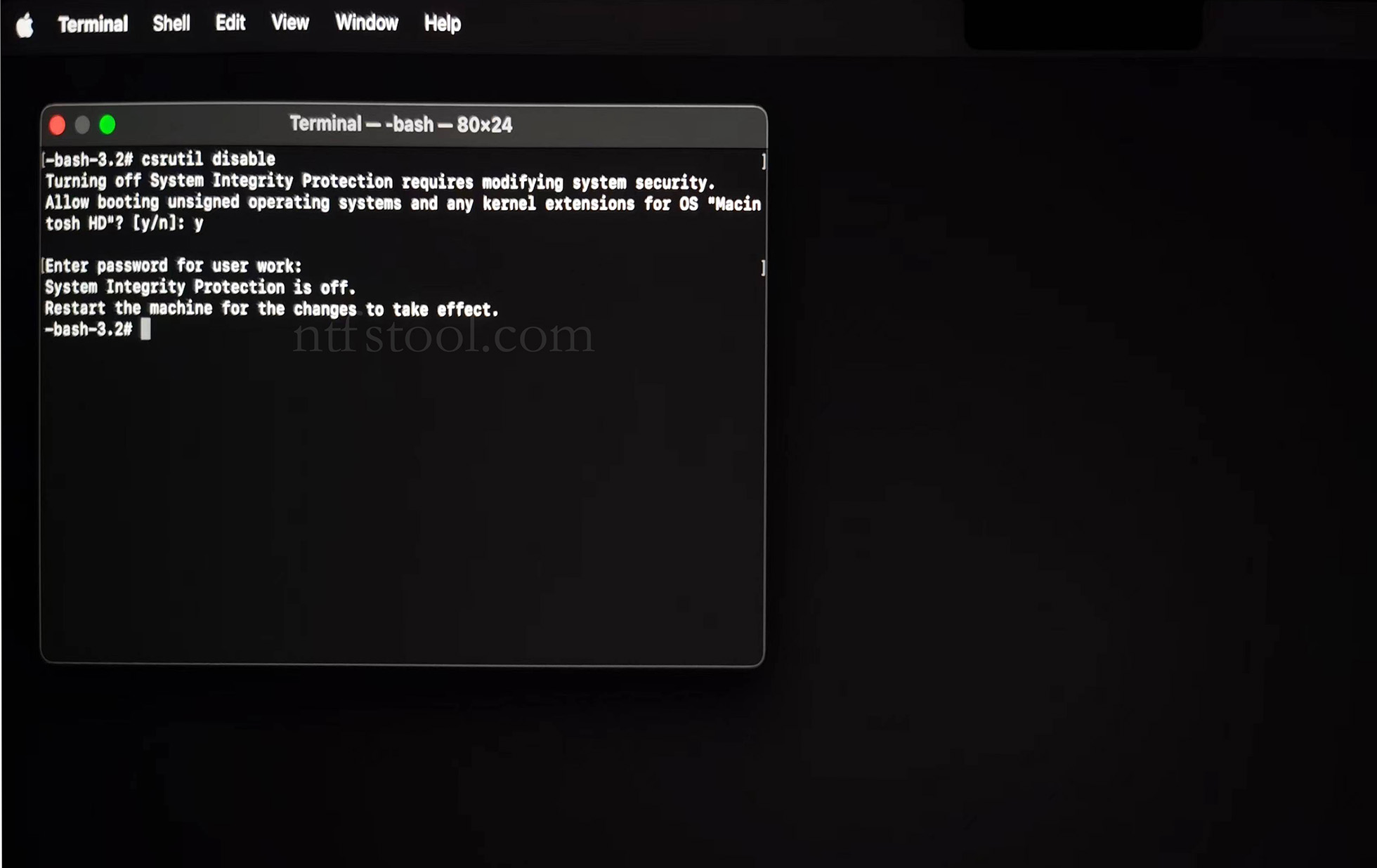
- Type 'csrutil disable' in the terminal, then press Enter
- Close the terminal and restart your Mac
- Related Screenshots
For Apple Silicon systems
Requirements: Disable SIP; enable Allow user management of kernel extensions from identified developers.
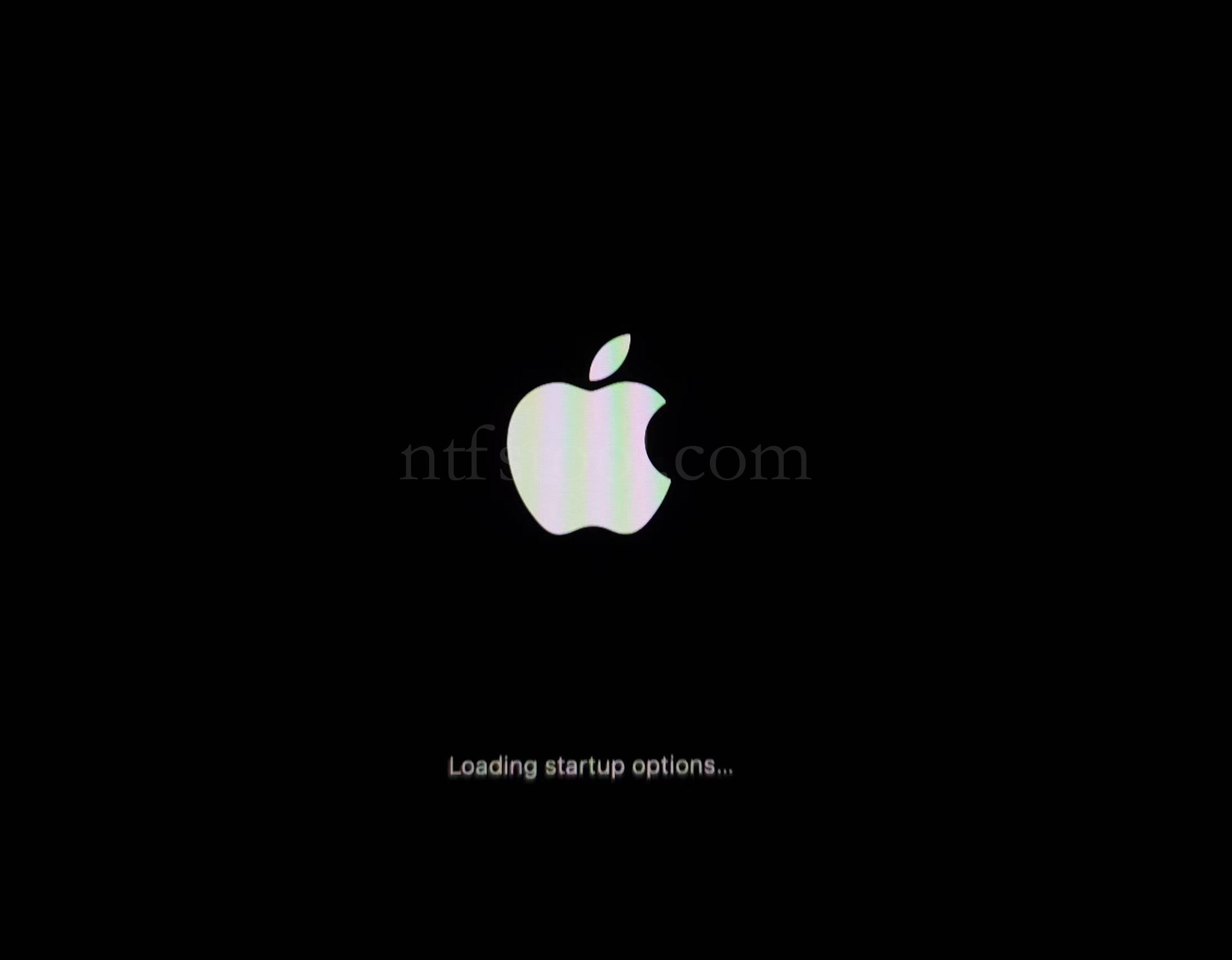
- Restart and hold the power button until Loading startup options appears, then enter recovery
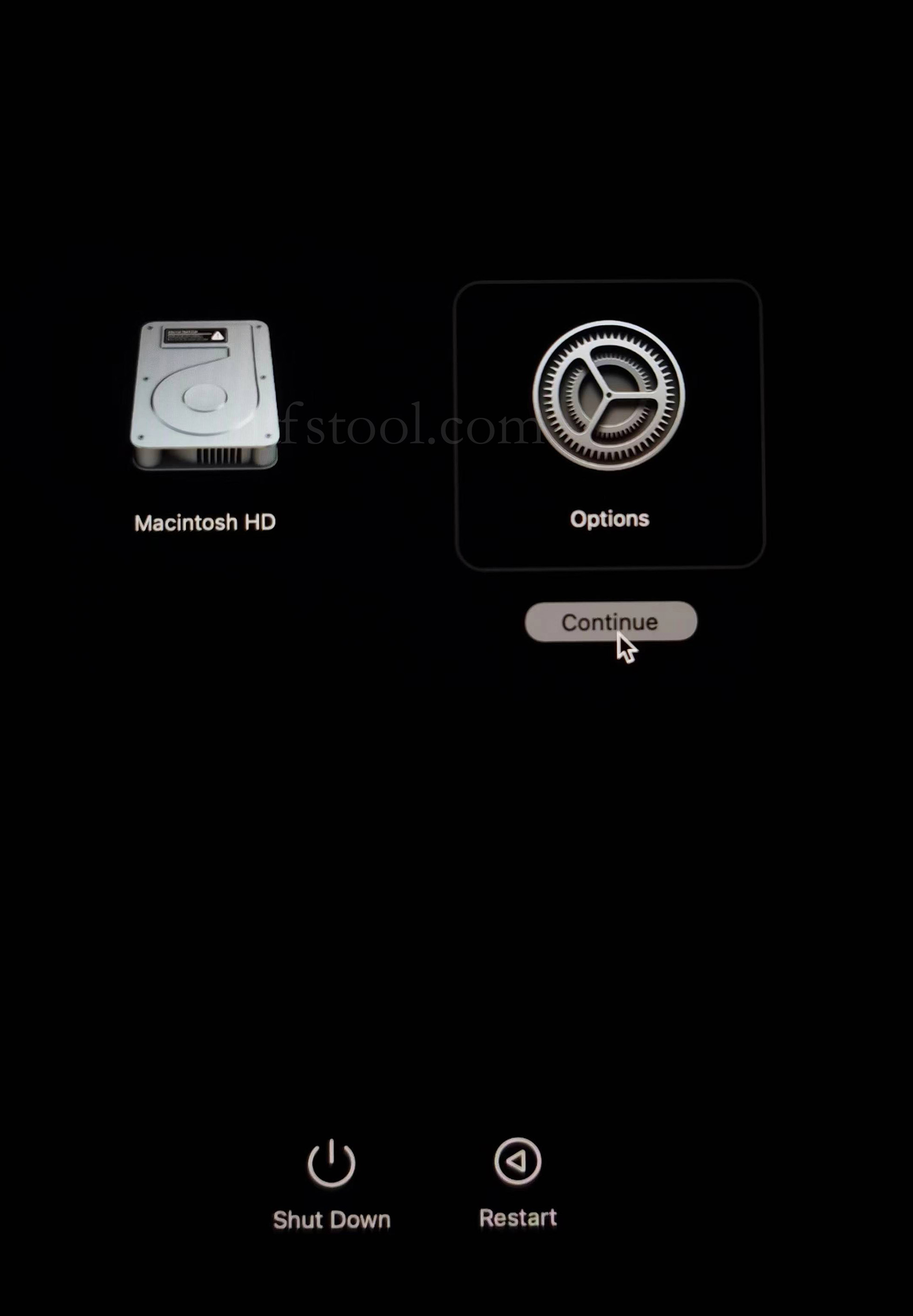
- Select Options, Continue
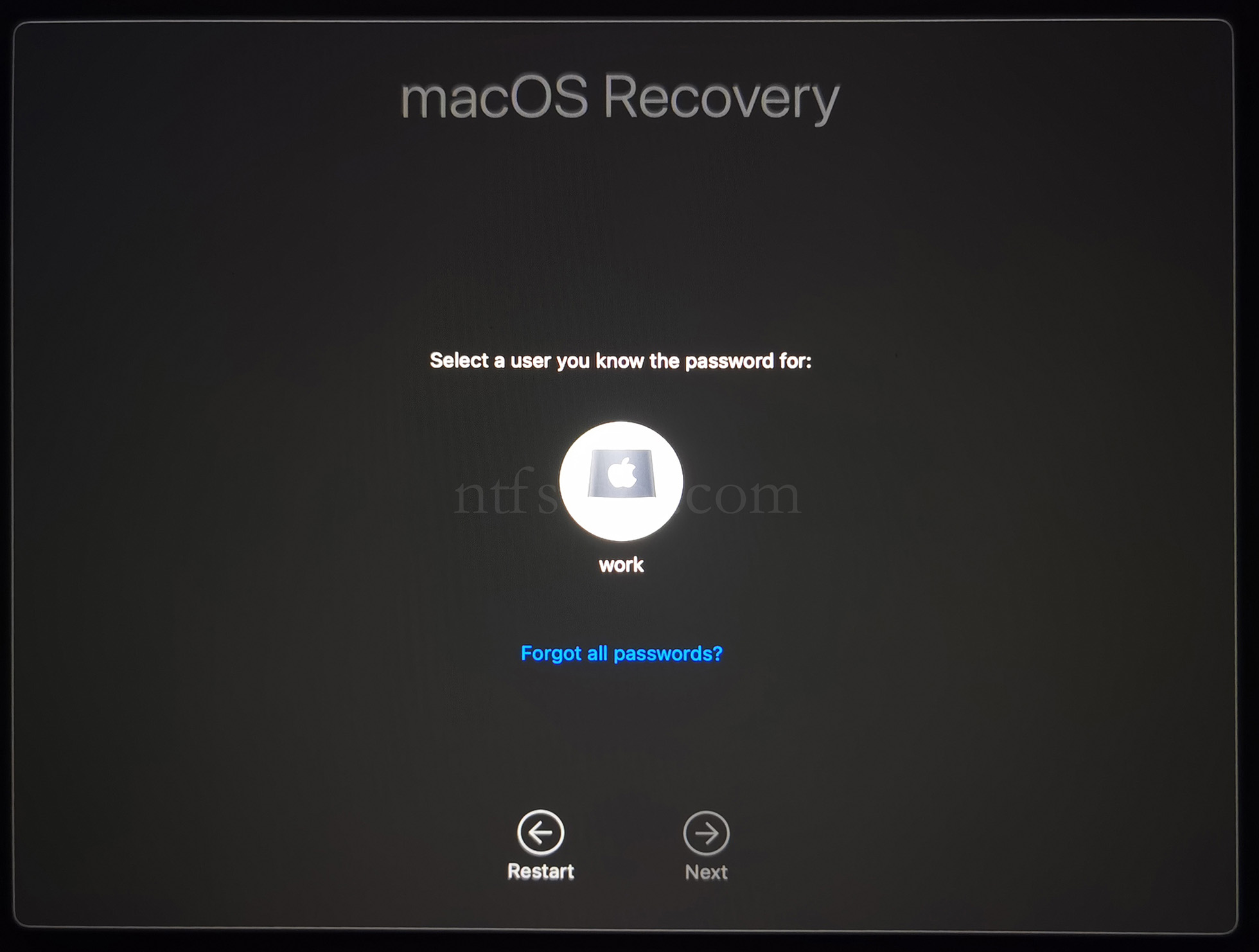
- Select the admin user and enter the password
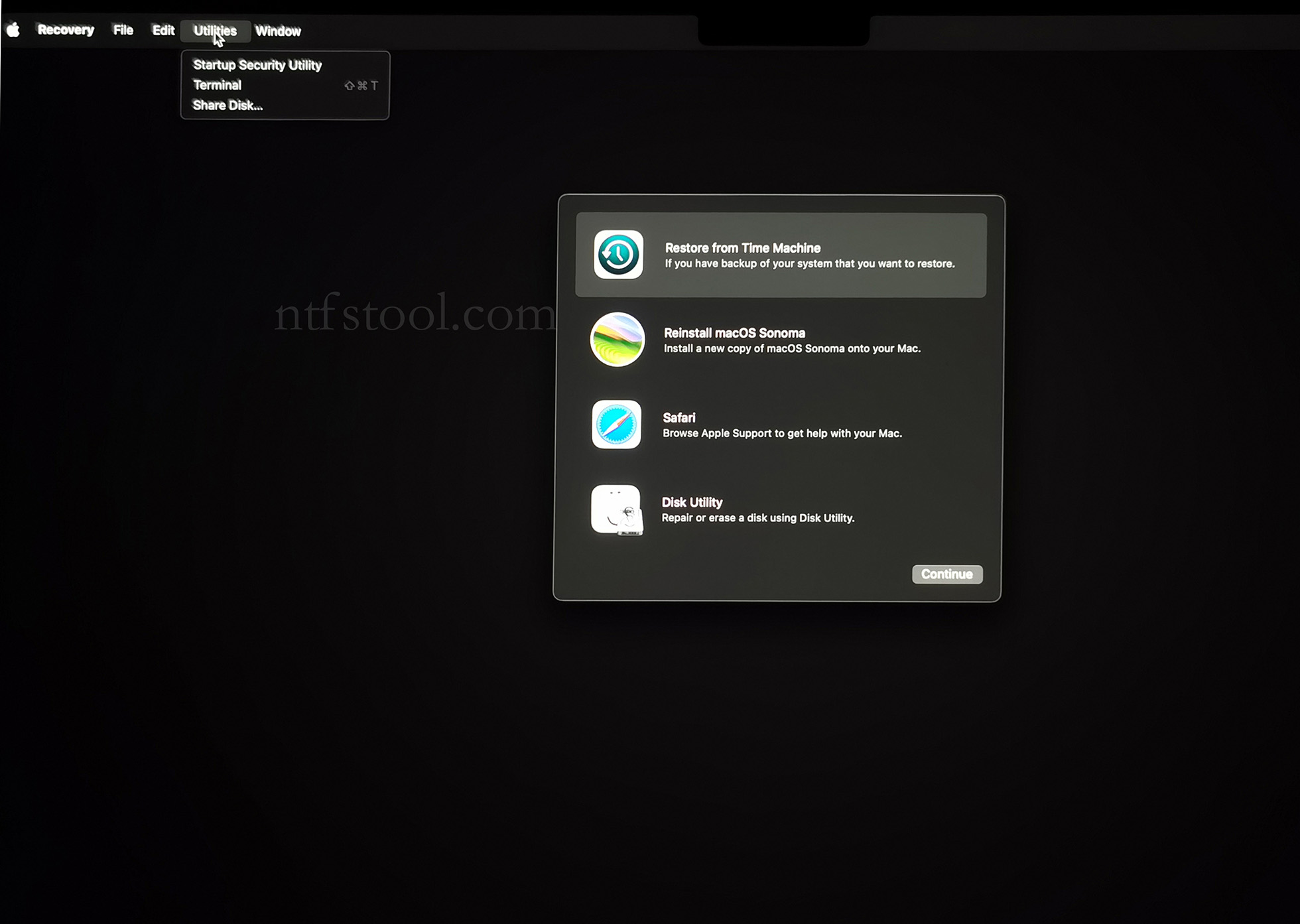
- Utilities → Terminal
- Type csrutil disable, press Enter
- Close Terminal
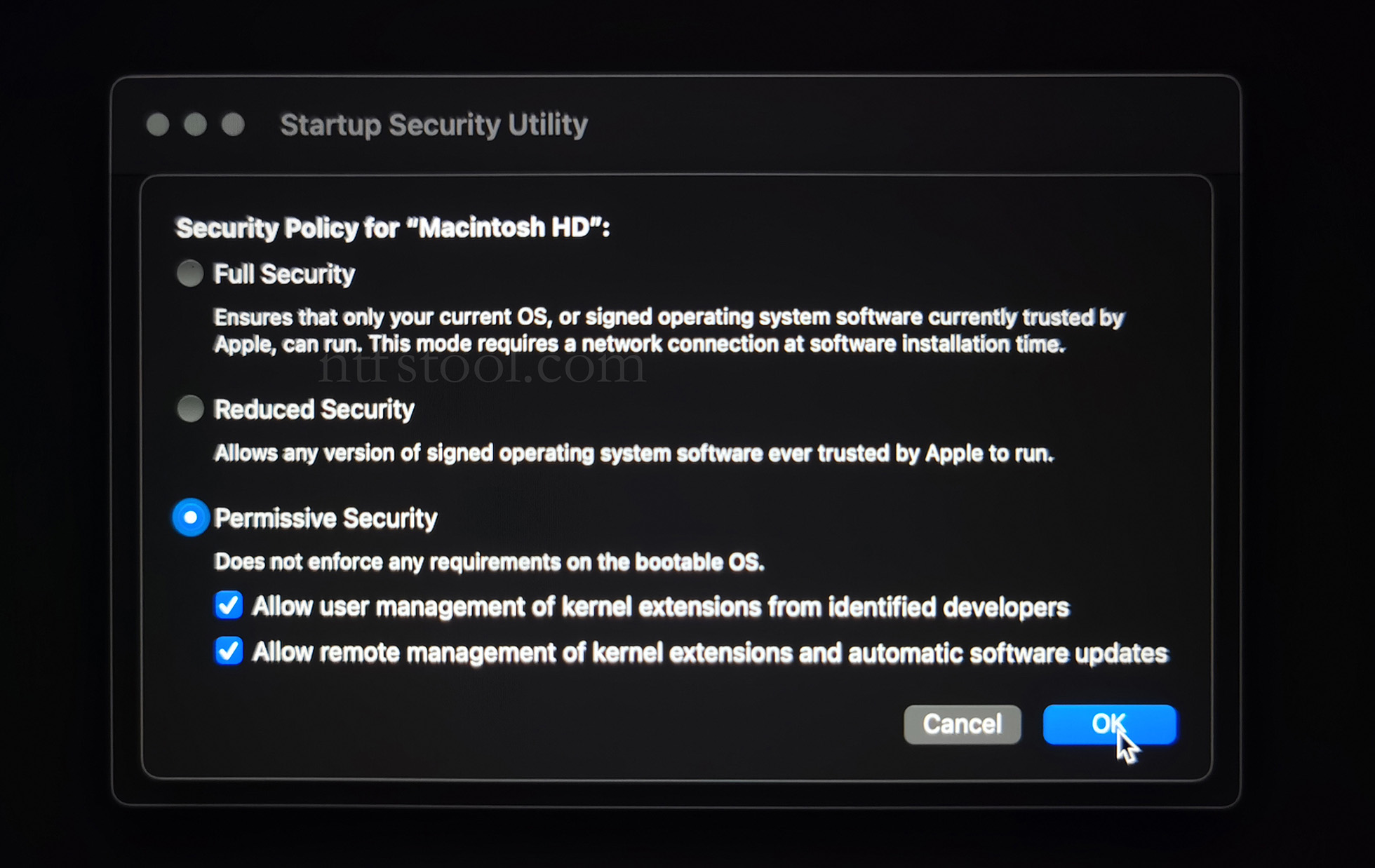
- Utilities → Startup Security Utility
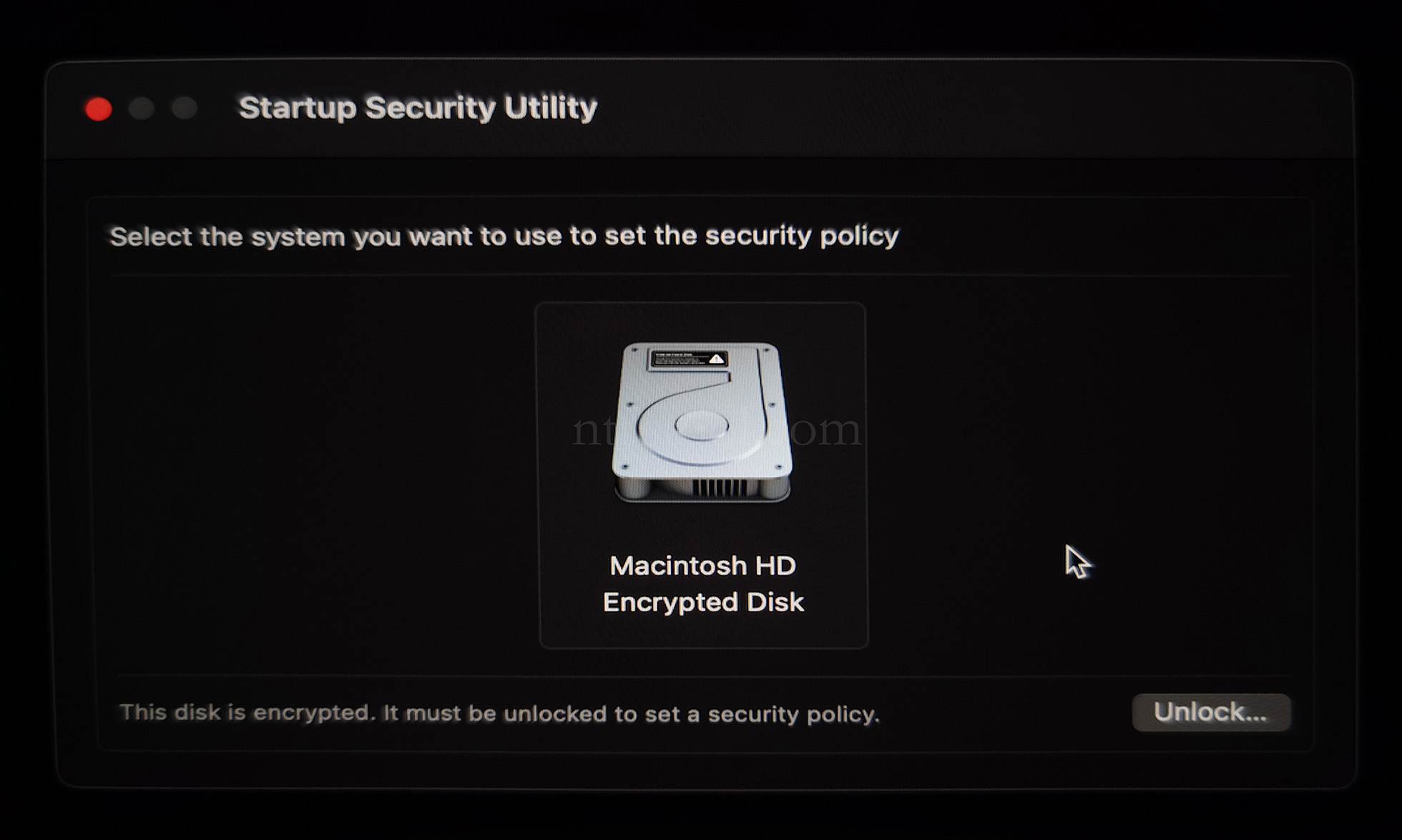
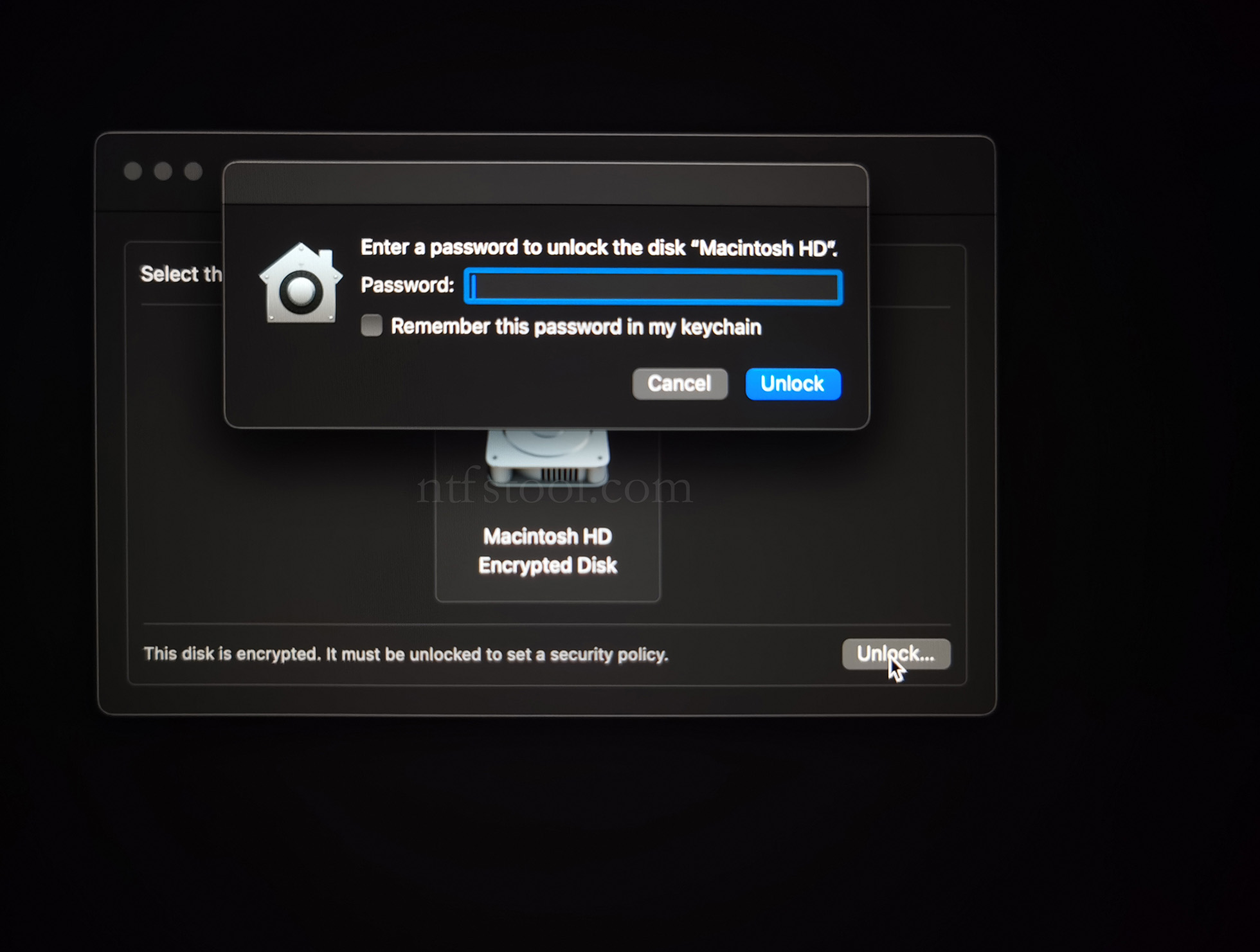
- Select the system disk, then Security Policy
- Check Reduced Security and Allow user management of kernel extensions from identified developers
- Restart from the Apple menu
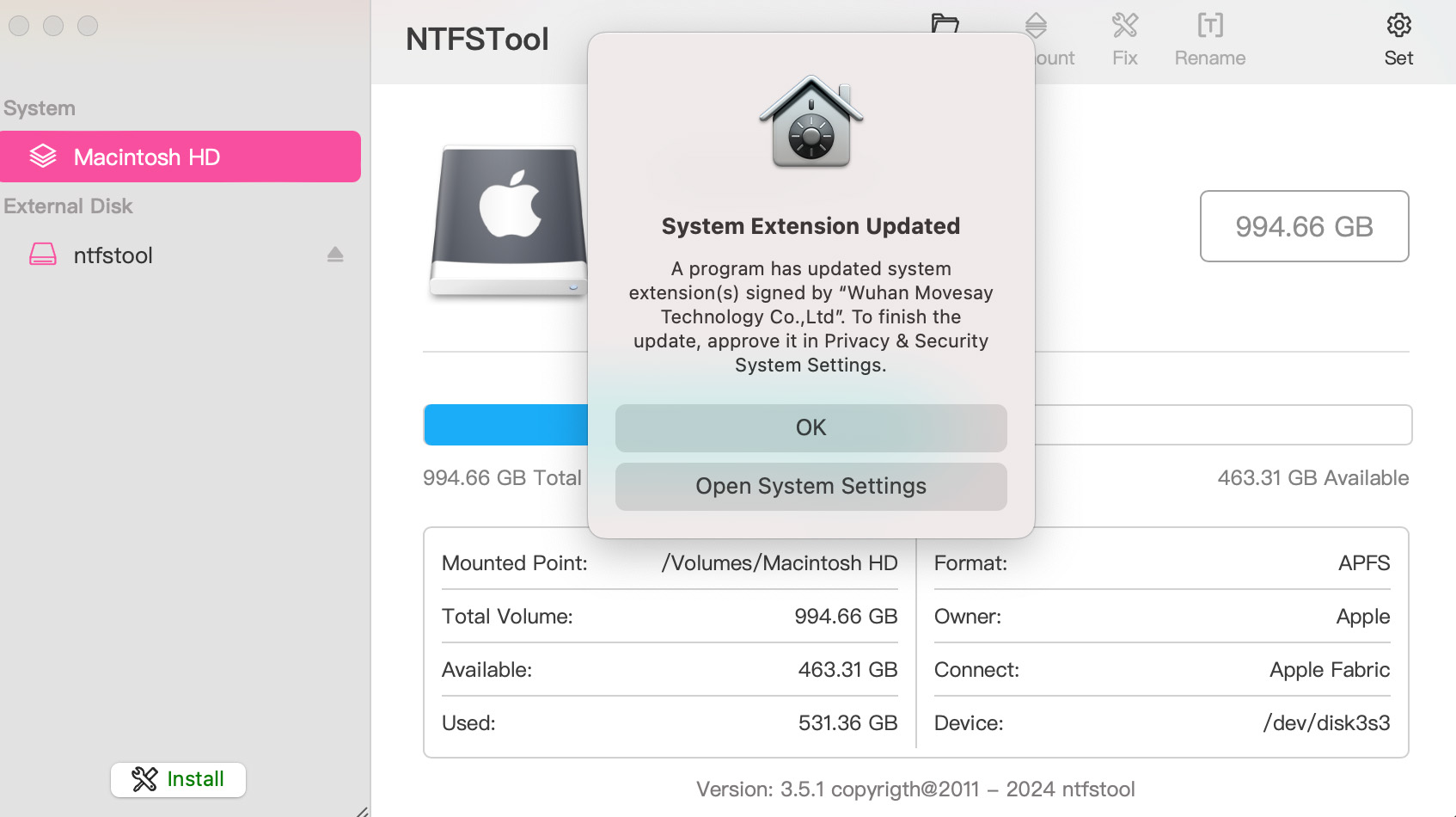
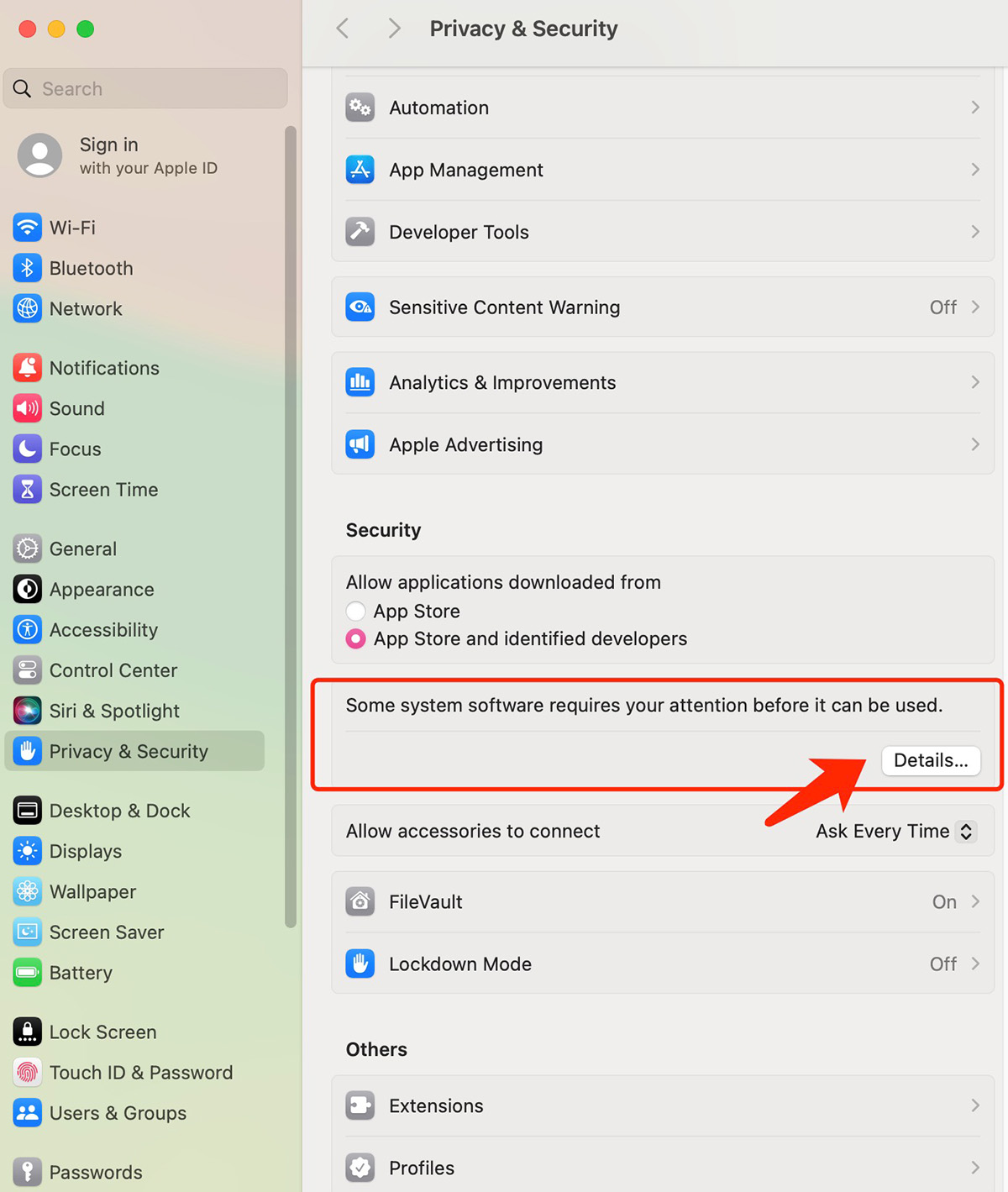
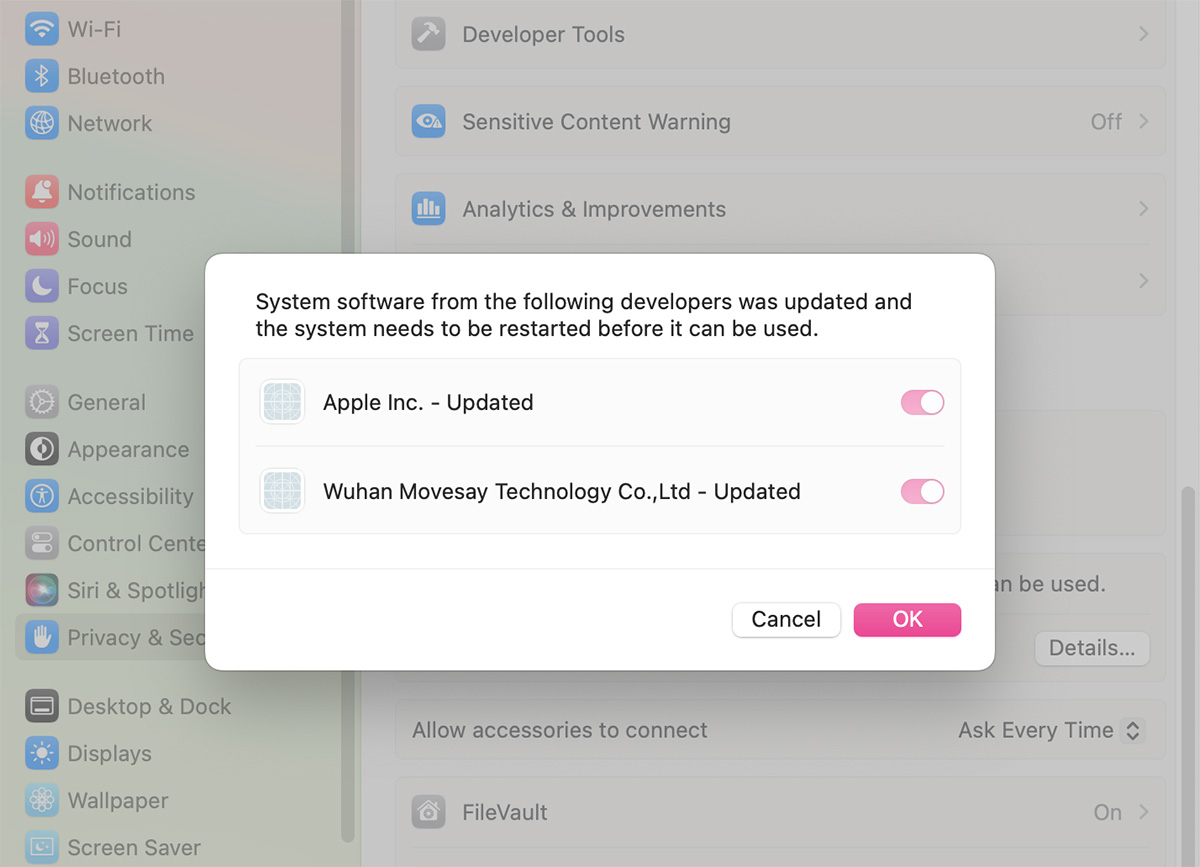
- Open System Settings → Privacy & Security, then allow the extension if prompted
- Related Screenshots